
 To Next Page
B
Brandy EvansJul 26, 2025
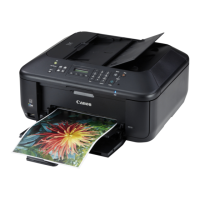
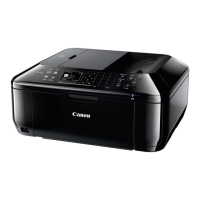
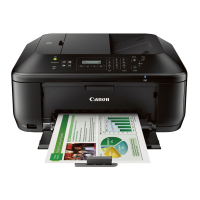
What to do if my Canon MX530 All in One Printer cannot be powered on?
- Bbrittany32Jul 26, 2025
If your Canon All in One Printer does not power on, try the following: First, press the ON button. If that doesn't work, ensure the power plug is securely connected to the machine's power cord connector, and then try turning it on again. As a last resort, unplug the printer from the power supply, wait at least 3 minutes, plug it back in, and try turning it on again.
 General