
 Need help?
Do you have a question about the Canon PIXMA TS6120 and is the answer not in the manual?
Troubleshooting steps for print quality issues like faint or uneven printing.
Procedure to clean the printer's print head to resolve print quality issues.
Advanced print head cleaning process for more thorough results.
Steps to adjust print head position for optimal print alignment.
Important safety guidelines for printer installation and operation.
Troubleshooting steps when the printer cannot be found on the network.
Solutions for issues where printing jobs fail to initiate.
Guidance on handling error messages displayed by the printer.
Error codes related to paper jams and procedures for removal.
 General
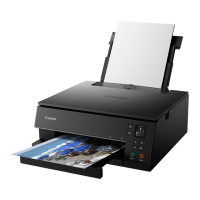
| Print Technology | Inkjet |
|---|---|
| Max Print Resolution | 4800 x 1200 dpi |
| Functions | Print, Copy, Scan |
| Scanner Type | Flatbed |
| Maximum Scan Resolution | 1200 x 2400 dpi |
| Connectivity | Wi-Fi, USB |
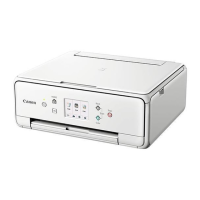
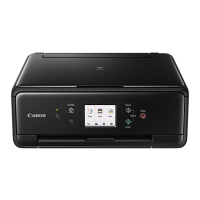
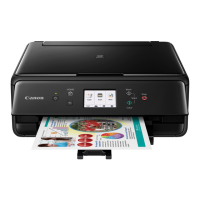
| Display | 3.0 inch LCD Touchscreen |
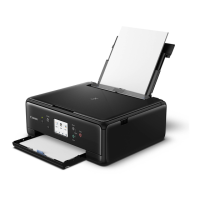
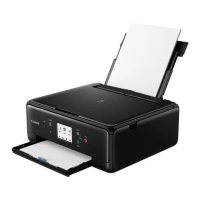
| Paper Handling | Rear Paper Tray |
| Print Speed (Black) | 15.0 ipm |
| Print Speed (Color) | 10.0 ipm |
| Paper Sizes Supported | 4x6, 5x7, 8x10, Letter, Legal |
| Mobile Printing | AirPrint, Google Cloud Print, Canon PRINT app |
| Ink Type | Pigment Black |
| Duplex Printing | Automatic |
| Compatible Ink | PGI-280, CLI-281 |
| Dimensions | 14.7" (W) x 12.5" (D) x 5.5" (H) |



 To Next Page