The ImageBrowser Windows
60
Display Mode
• Selects the display style for the Browser Area.
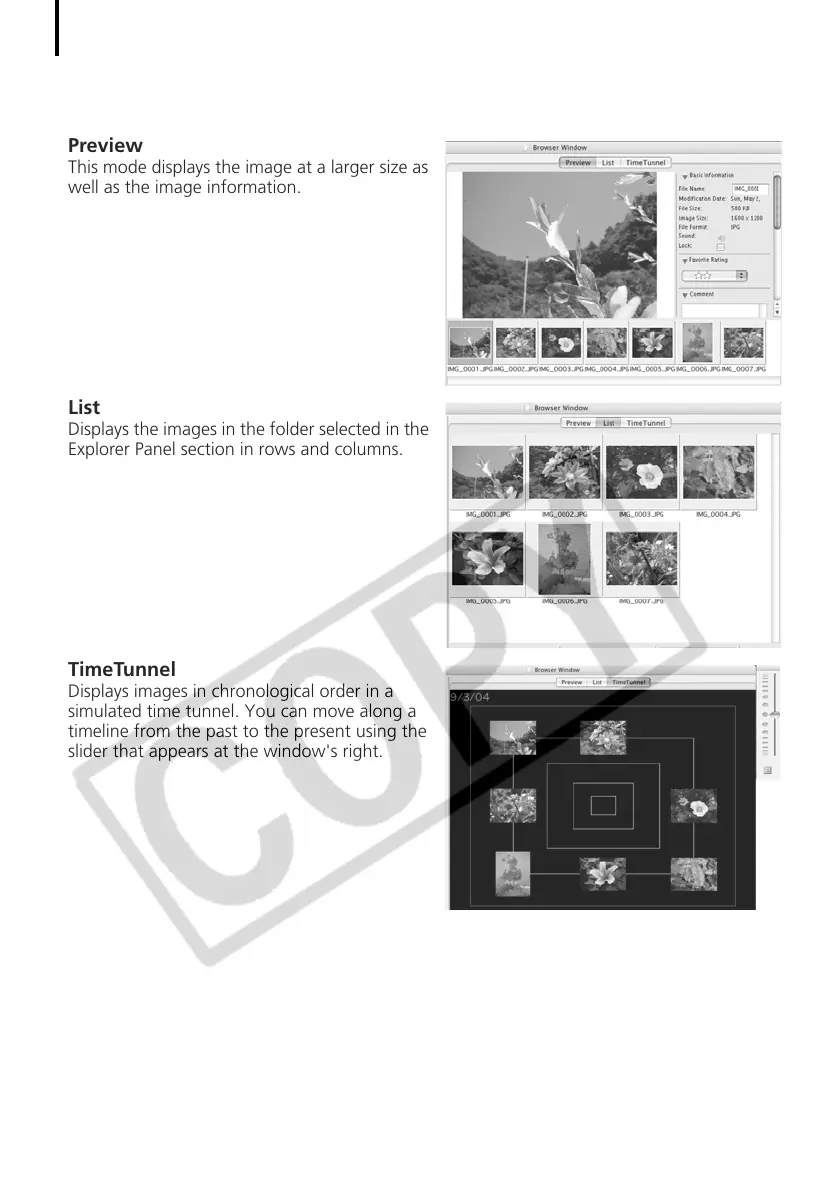
Preview
This mode displays the image at a larger size as
well as the image information.
List
Displays the images in the folder selected in the
Explorer Panel section in rows and columns.
TimeTunnel
Displays images in chronological order in a
simulated time tunnel. You can move along a
timeline from the past to the present using the
slider that appears at the window's right.












 To Next Page