4-4
Media Configuration Tool Guide
Chapter 4 Adding Media Types
4. Click the Next button.
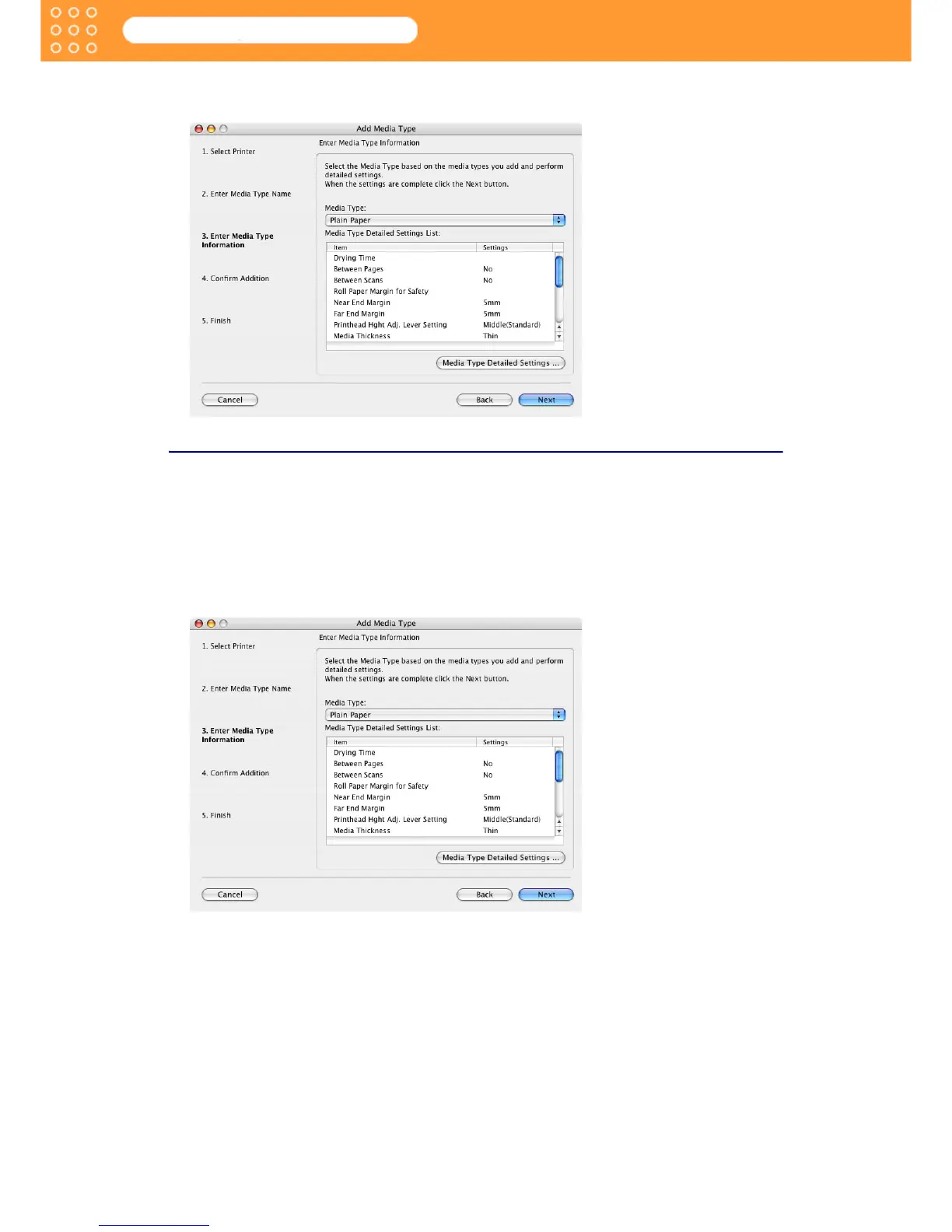
The screen moves to display Add Media Type: Enter Media Type Information.
Input Media Properties
You can set the properties of the media that is to be added.
Select the item that has similar properties from standard media, and then set properties of the
new media based on those setting values.
1. From the Media Type list in the Add Media Type: Enter Media Type Information select the
media type that is to be the base for the media type to be added.
A detailed settings list of the media type select in Media Type Detailed Settings List.









 To Next Page