5-5
Media Configuration Tool Guide
Chapter 5 Editing Media Types
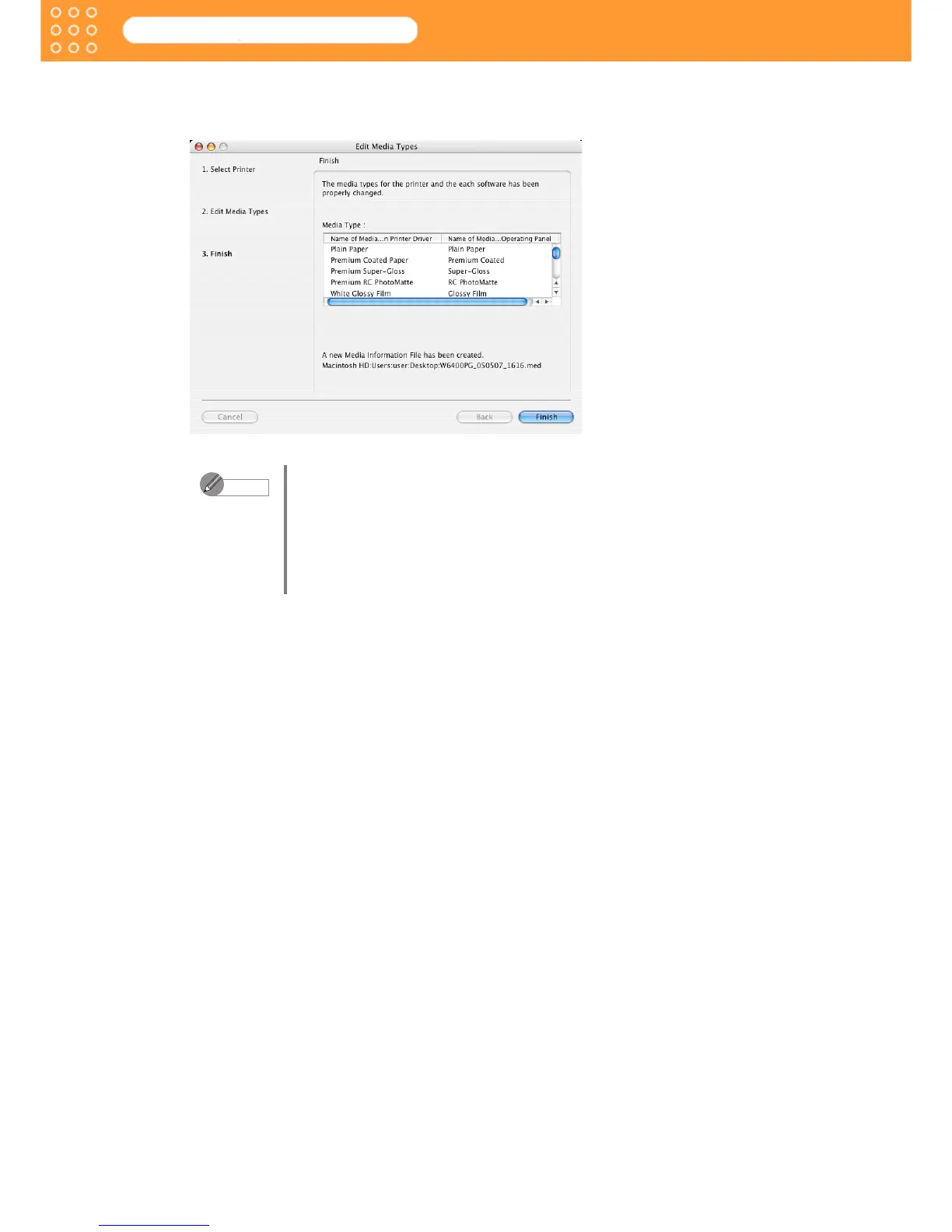
3. When the printer and software media types have been properly updated, the screen moves
to display Edit Media Types: Finish. Click the Finish button to close the Edit Media Types
wizard.
• When the media type edition is completed, new media information files
are created in the following folder.
OSX.3 (with Mac OS X): Users: Login name: Desktop
• As demonstrated below, the file name consists of the file name, the date
created (6 digits: yymmdd), the time created (4 digits: hhmm) followed by
an under bar “_” and the suffix, “med.”
W6400PG_050507_1616.med (with the W6400)
Note









 To Next Page