1-2
Media Configuration Tool Guide
Chapter 1 Installing and Starting the Media Configuration Tool
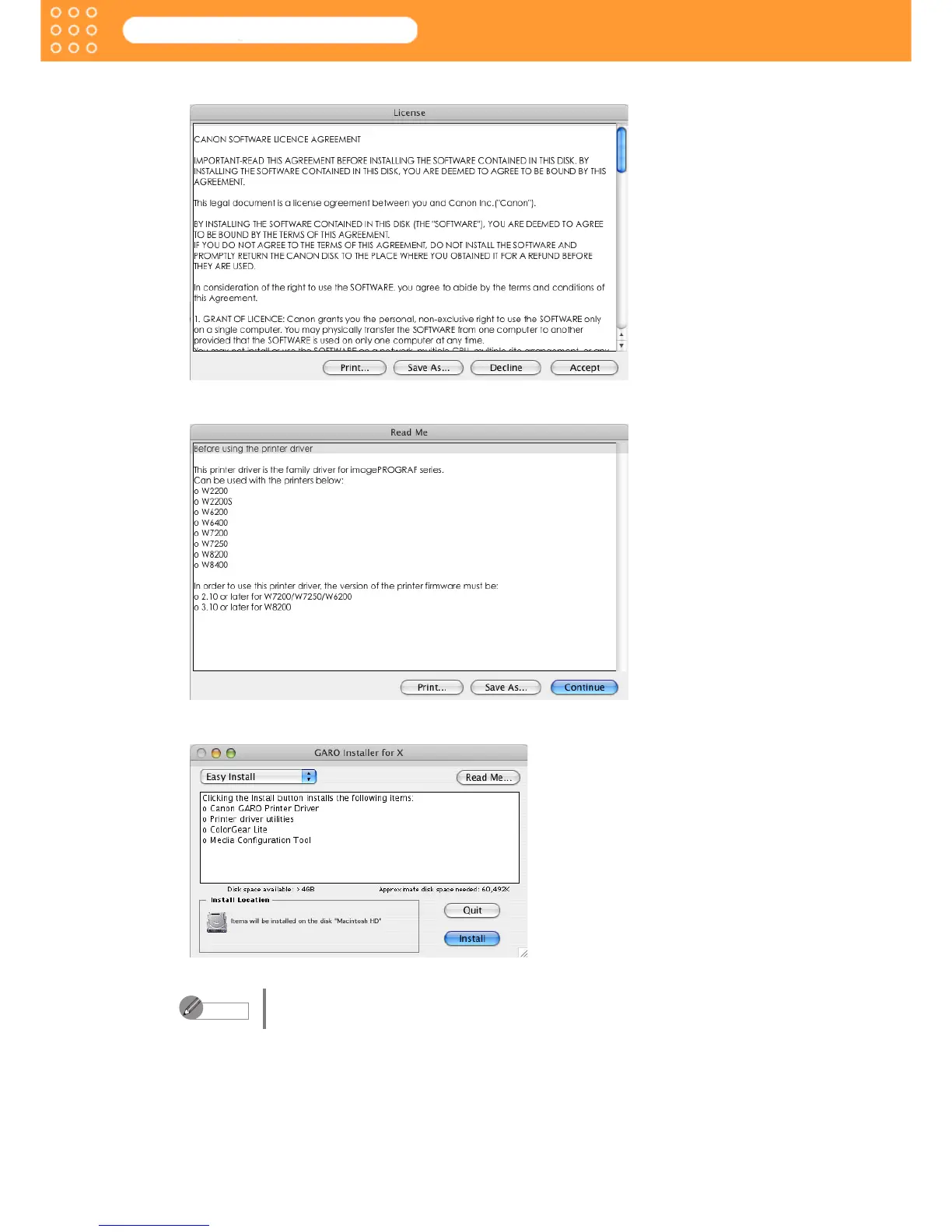
4. After you have read the software User’s Licensing Agreement, click the Accept button.
5. Click the Continue button.
6. Select Easy Install.
You can install be selecting Custom Install, and selecting only the item you
wish to install.
Note









 To Next Page