EasyManua.ls Logo

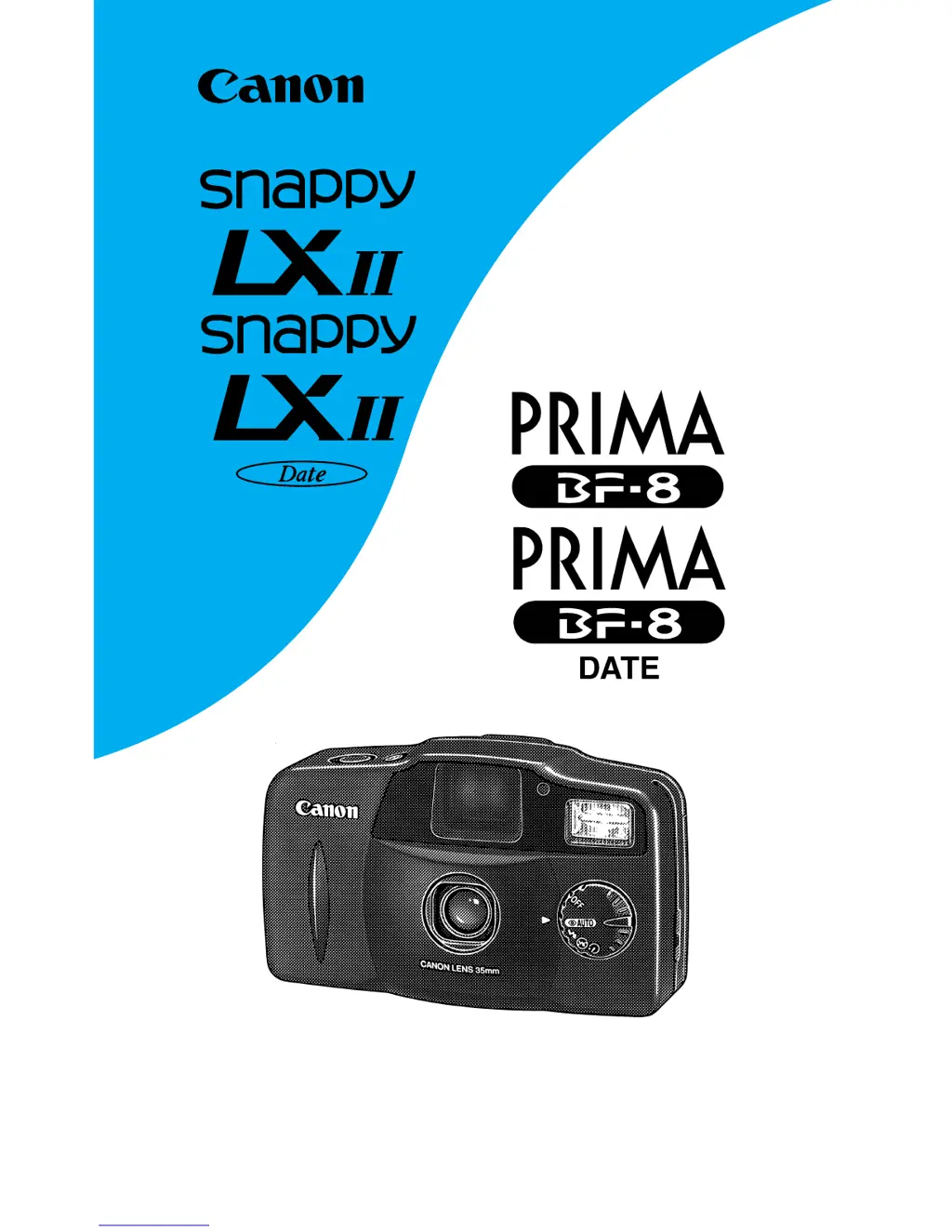
Canon SNAPPY LXII BF-8 - User Manual

Canon SNAPPY LXII BF-8
115 pages
Print Icon
To Next Page IconTo Next Page
Loading...
prima super bf8 internet 16-10-2002 15:23 Pagina 1

Table of Contents

Questions and Answers

  • C
    Christian HinesJul 30, 2025
    What to do if the green indicator doesn't light up on my Canon SNAPPY LXII BF-8 Film Camera?
    • D
      Daniel BeckerJul 30, 2025
      If the green indicator on your Canon Film Camera doesn't light up, here are a few things to check: * Ensure the lens cover is completely open by turning the mode dial to the correct position. * Make sure batteries are loaded. If not, load the batteries. * Verify the batteries are inserted with the correct polarities. If not, reinsert them correctly. * The batteries may be completely expired, so replace them with new ones.
  • J
    jason67Aug 7, 2025
    Why are my photographs blurred with my Canon SNAPPY LXII BF-8?
    • C
      Carlos DavilaAug 7, 2025
      Photographs taken with your Canon Film Camera might appear blurred due to: * Standing immediately in front of the camera when pressing the shutter button in self-timer mode. Ensure you do not stand immediately in front of the camera. * Camera shake caused by movement when pressing the shutter button. Hold the camera firmly and gently press the shutter button.
  • K
    Keith ChurchAug 14, 2025
    How to fix a cloudy picture on my Canon SNAPPY LXII BF-8 Film Camera?
    • M
      Michael MitchellAug 14, 2025
      If your entire picture appears cloudy when using your Canon Film Camera, the lens might be dirty. Wipe the lens with a lens cloth to resolve this issue.
  • R
    Rachel HooperAug 21, 2025
    Why won't the shutter release on my Canon SNAPPY LXII BF-8 Film Camera?
    • M
      Mr. Scott BentleyAug 21, 2025
      The shutter might not release on your Canon Film Camera for several reasons: * The lens cover might not be completely open, so turn the mode dial to the correct position. * The power may be off, so turn the power on. * The batteries might be expired, so replace them with new ones. * A rewound film could be loaded, so remove it and load a new one. * The film might not be loaded properly, so reload it.

Summary

Handling Precautions

Loading the Batteries;Turning the Power On

Loading the Film

Shutter Button Action

Taking Pictures (Fully Automatic)

Removing the Film

Changing the Shooting Mode

Flash AUTO with Red-eye Reduction

Activates red-eye reduction lamp and flash in low light.

Red-eye Reduction Function Guidelines

Provides important tips for effectively using the red-eye reduction feature.

Flash ON Mode

Flash fires regardless of lighting; softens contrast for backlit subjects.

Flash OFF Mode

Use when flash is prohibited or for available light photography.

Troubleshooting

Specifications

Canon SNAPPY LXII BF-8 Specifications

General IconGeneral
BrandCanon
ModelSNAPPY LXII BF-8
CategoryFilm Camera
LanguageEnglish

Related product manuals