EasyManua.ls Logo

Cansonic UltraDash C1 - User Manual

Cansonic UltraDash C1
34 pages
Print Icon
To Next Page IconTo Next Page
Loading...
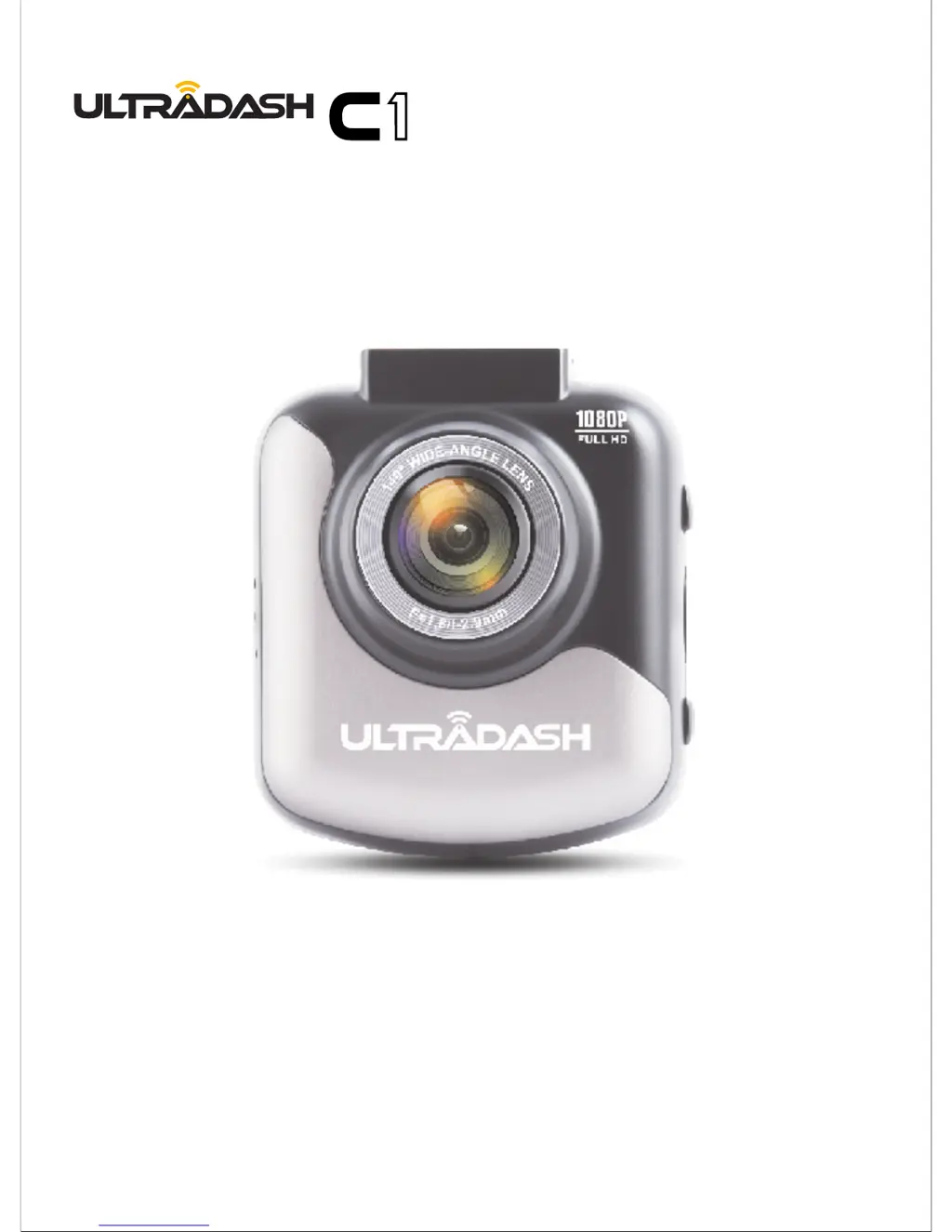
1080P FULL HD DASHCAM
INSTRUCTION MANUAL

Questions and Answers

  • D
    Derek HowardAug 19, 2025
    What to do if a 'Card Full' message appears on Cansonic UltraDash C1 Dash Cameras?
    • C
      Christine White MDAug 19, 2025
      If a 'Card Full' message appears on your UltraDash C1, it means your Micro SD card has reached its maximum storage capacity. Keep in mind that protected files reduce the available space on your memory card. To resolve this, delete any unnecessary files to maximize the usable space on your memory card.
  • H
    Holly WolfeAug 21, 2025
    What to do if a 'Card Error' message appears on my Cansonic UltraDash C1?
    • A
      Abigail OrtegaAug 21, 2025
      If a 'Card Error' message appears on your UltraDash C1, it means the Micro SD card isn't properly formatted for the device. To fix this, back up any files you want to keep to your computer, and then format the SD card using the 'Format SD Card' option in the setup menu. This will ensure your memory card works correctly with the C1.
  • J
    Julie CarterAug 23, 2025
    Why does my Cansonic UltraDash C1 shut down on its own?
    • S
      shawn67Aug 25, 2025
      Your UltraDash C1 might be shutting down on its own because it is not properly connected to the car power cable. Ensure the C1 is securely connected to the car power cable.
  • P
    patricksuzanneAug 26, 2025
    What to do if my Cansonic UltraDash C1 does not charge?
    • C
      Christine NicholsAug 26, 2025
      If your UltraDash C1 is not charging, ensure that the power cord is correctly connected. When the C1 is charging, the blue LED indicator should light up.
  • C
    crystal39Aug 27, 2025
    What to do if my screen turns off on Cansonic UltraDash C1 Dash Cameras?
    • B
      Brett CastilloAug 27, 2025
      The screen might be turning off due to the screen saver function, which deactivates the screen after a period of inactivity. To disable this feature, navigate to the SETUP menu, then Screen Saver, and turn it off.
  • S
    Susan LewisAug 30, 2025
    What to do if my Cansonic UltraDash C1 always turn on by itself?
    • C
      Christie BellAug 30, 2025
      Your UltraDash C1 might be turning on by itself because the parking mode function is enabled. This function automatically starts recording a 30-second video clip and then turns off when external forces are detected. To disable it, go to the SETUP menu, select Parking Mode Sensor, and turn it off.
  • V
    vleeSep 1, 2025
    What to do if my Cansonic UltraDash C1 does not charge in my car?
    • A
      aaronyoungSep 1, 2025
      If your UltraDash C1 is not charging in your car, check your car's power fuses. Also, inspect the power cord for any issues and replace it if necessary.
  • M
    Michael McdowellSep 3, 2025
    What to do if the message “Please Format SD Card” appears on my Cansonic UltraDash C1?
    • S
      stacey43Sep 3, 2025
      If the message “Please Format SD Card” appears on your screen, it means that the Micro SD card needs to be formatted, especially if it's the first time being used with the UltraDash C1. Format the SD card through the SETUP menu.
  • J
    josephthompsonSep 5, 2025
    How to fix a buzz when Cansonic UltraDash C1 is connected to my TV?
    • Y
      ycrawfordSep 5, 2025
      To fix a buzzing sound when your UltraDash C1 is connected to your TV, ensure that the AV cable is correctly connected. You can purchase the audio jack (2.5mm) on the Cansonic website.
  • V
    vsanchezSep 7, 2025
    How to access the menu on Cansonic UltraDash C1 Dash Cameras?
    • J
      John YoungSep 7, 2025
      The UltraDash C1 does not allow menu access while recording. Stop recording first to access the menu features.

Summary

PRECAUTIONS

SAFETY WARNINGS AND CAUTIONS

Important safety warnings and cautionary advice for device usage to prevent damage or hazards.

CAMERA PARTS & CONTROL

BUTTON FUNCTIONS

Explains the function of each button on the camera, including menu, mode, and recording controls.

IN-VEHICLE INSTALLATION

MICRO SD CARD INSTALLATION

Guide for inserting the Micro SD card into the camera, ensuring correct orientation and secure fit.

MOUNTING OPTIONS

Instructions for attaching the camera using magnetic or adhesive mounts to the windshield.

FIRST-TIME SETUP

LANGUAGE AND REGION SELECTION

Selecting the preferred language, country, and time zone for the camera.

VIDEO MODE

VIDEO MENU

CORE VIDEO SETTINGS

How to adjust resolution, video length, exposure, and parking mode sensitivity.

SETUP MENU

TROUBLESHOOTING

COMMON ISSUES AND SOLUTIONS

Addresses problems like blurred video, card errors, power issues, and connection failures.

Cansonic UltraDash C1 Specifications

General IconGeneral
Loop RecordingYes
G-SensorYes
GPSNo
Parking ModeYes
Night VisionYes
Video Resolution1920 x 1080
Field of View140 degrees
StorageMicroSD card up to 128GB