EN
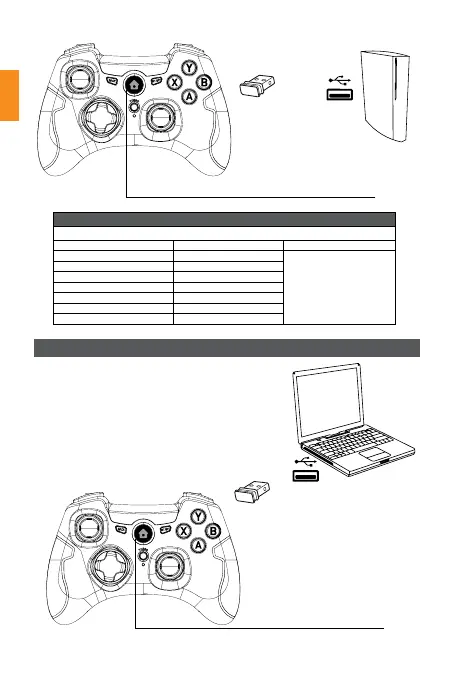
1. Insert Receiver into a PC USB port.
2. The controller LED should turn off.
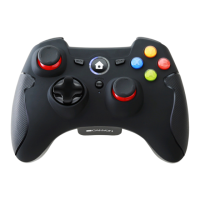
3. Quickly press the HOME button twice, 4 channel
LED lights should flash.
4. When channel LED1+LED2 stay on, the
connection is successful.
Note: DINPUT needs to
install a driver to have a
vibration function.
Channel LED:
when the battery voltage is
lower than 2 V, connected
channel LED(s) flashing warning
lower power, and close the
vibration function.
Channel LED:
when the battery voltage is
lower than 2 V, connected
channel LED1+LED2 flashing
warning lower power, and
close the vibration function.
PS3
CONSOLE
PC
RECEIVER
RECEIVER
Channel indicate:
The PS3 connect 7 controllers
Controller number Glowing LEDs
1 LED1
is normally on
2 LED2
3 LED3
4 LED4
5 LED1+LED4
6 LED2+LED4
7 LED3+LED4
PC connection/pair Settings


 To Next Page