en
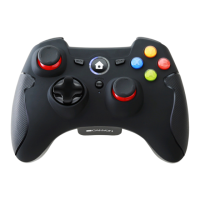
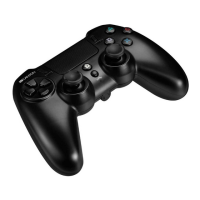
The vibration is automatic on the PS3 and Xbox One.
Vibration can be set ON/OFF in the game software.
Charging:
•
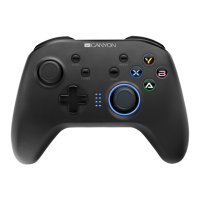
Connect the device to an outlet. During charging, the 4 LED indicators will
flash and light off after full charging.
•
It is also possible to charge the device directly from the game console.
•
If gamepad is charged under connected mode:
LED of current mode will blink slowly when charging, and keeps light on after
full charging. Example: gamepad under D-input mode (1st LED keeps light),
1st LED will blink slowly when charging, and keeps light on after full charging.
•
If gamepad is charged under unconnected mode: 4 LEDs will flash when
charging and light off after full charging.
The gamepad does not work:
•
Check the USB connection.
•
The gamepad works best when plugged into a full-powered USB port. If
you use a USB hub it must have its own power supply.
•
Try plugging the gamepad into a different USB port.
•
Restart the computer/console.
This product comes with 24-months limited warranty. For more information
about usage and warranty, please refer to www.canyon.eu/support
Troubleshooting
Warranty


 To Next Page