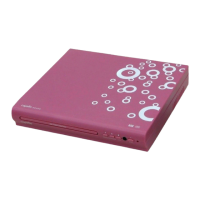
remote control
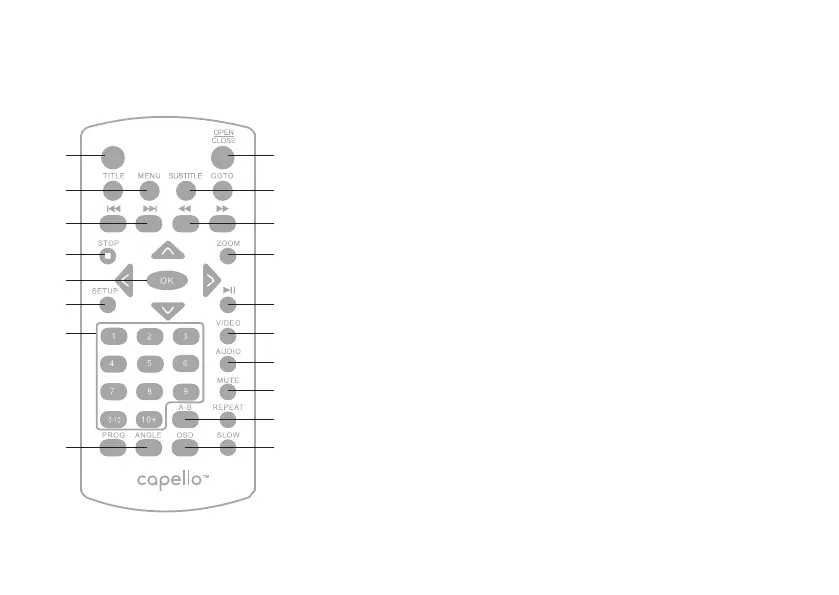
Power
Press to turn unit on or place in standby mode.
Title / Menu
Press to access a DVD’s title menu.
Press to turn back to the main menu.
Prev / Next
Press to skip to the previous or next
track / title / chapter.
Stop
Press to access a loaded DVD’s title menu.
Direction Button / OK Button
Press to navigate and highlight the loaded menu.
Press to conrm each operation.
Setup
Press to access the setup menu.
Numeric Buttons
Program / Angle
Press to create a list of tracks/chapters selected
to be played in sequence.
Access different viewing angles (when available)
Open / Close
Subtitle / Goto
Press repeatedly to change subtitles available.
Press to search the title / chapter / track
in the disc.
Fast Backward / Fast Forward
Press to skip to a specic part of a track.
Zoom
Press repeatedly to enlarge the image.
Play / Pause
Video
Press to switch different video output modes.
Audio
Press repeatedly to select different audio
languages.
Mute
Press to turn off the sound and press again to
restore sound.
A-B / Repeat
Point to point repeat / whole track repeat.
OSD / Slow
Display the detailed information of the current
le.
Press to view the loaded DVD in slow motion.


 To Next Page
 Loading...