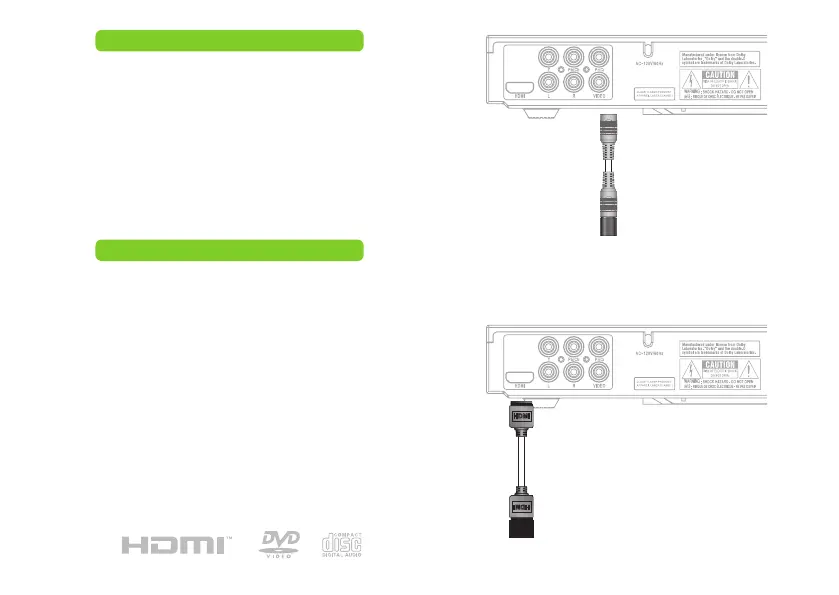
composite video output (good)
Use the Composite Video Output to send video from
the DVD player to the television.
Requires an RCA audio cable (included).
Use the RCA video cable to connect the Composite
Video Output to a composite video input on a television.
Adjust the connected televisions input setting to match
the input used in the previous step.
HDMI output (better)
Use the HDMI Output to send high quality video from
the DVD player to a television.
Requires a HDMI cable (not included).
Use the HDMI cable to connect the HDMI Output to a
HDMI input on a television.
Adjust the connected televisions input setting to match
the input used in the previous step.
Press the VIDEO button on the remote repeatedly
to select the HDMI mode.
Television
Composite Video Input
Television
HDMI Input


 To Next Page