Instruction manual DD610BK
24
Please keep this instruction manual for future reference
RESIDUAL HEAT DISPLAY:
The glass ceramic hob is equipped with a as a residual heat display.
As long as the H lights up after the cooking zone has been switched off, the residual heat can be
used for melting food or for keeping food warm.
The cooking zone may still be hot when the letter H no longer lights up.
There is a risk of burns.
The glass ceramic is not directly heated in the case of an induction cooking zone; it is only heated
up by heat reected by the pan.
any other key
(except the ON/OFF Key).
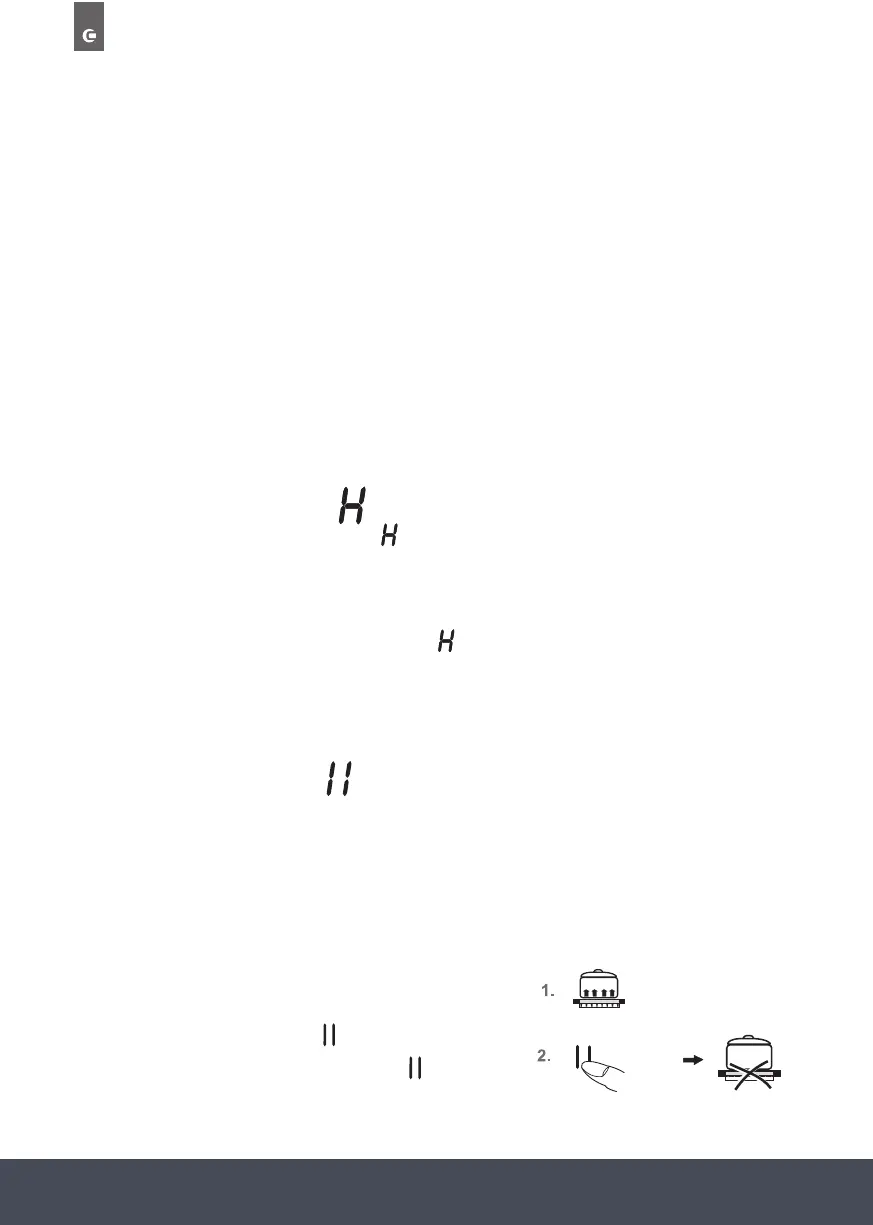
STOP/PAUSE FUNCTION:
The cooking process can be briefly interrupted with the STOP/PAUSE function, e.g. if the
doorbell rings. The STOP/PAUSE function must be released in order to continue cooking at the
same power level. If a timer has been set it will pause and will then continue.
This function is only available for 10 minutes for reasons of safety.
The hob will then be switched off.
SWITCHING OFF A COOKING ZONE :
5. Use the power setting display (as a key) to select a cooking zone. The standby dot of the
selected cooking zone must light up.
A) Press the sensor eld on the far left or
B) Drag your nger to the left across the touch control to reduce the power setting 0.
SWITCHING OFF THE HOB:
Press the ON/OFF key. The hob will switch off, irrespective of any settings.
NOTE:
The hob will switch off automatically after 10 seconds when all the cooking zones are switched
off manually (power setting 0) and no key/sensor is pressed afterwards.
any other key
(except the ON/OFF Key).
1. Pots and pans are on the cooking zones and
the required power levels have been set.
2. Press the STOP/PAUSE key instead of the
selected power settings, the interval sign
will light up.


 To Next Page
 Loading...