10 CaptionCall
Make Your Wiring Connections (Part 2)
After you connect the cables to the back of the phone, follow the
numbered steps
below to plug in the other ends of the cables. Plug in
the power adapter cord last. Be careful to not to touch the display screen
immediately after plugging in the power cord because the phone calibrates
the touch screen as it starts up.
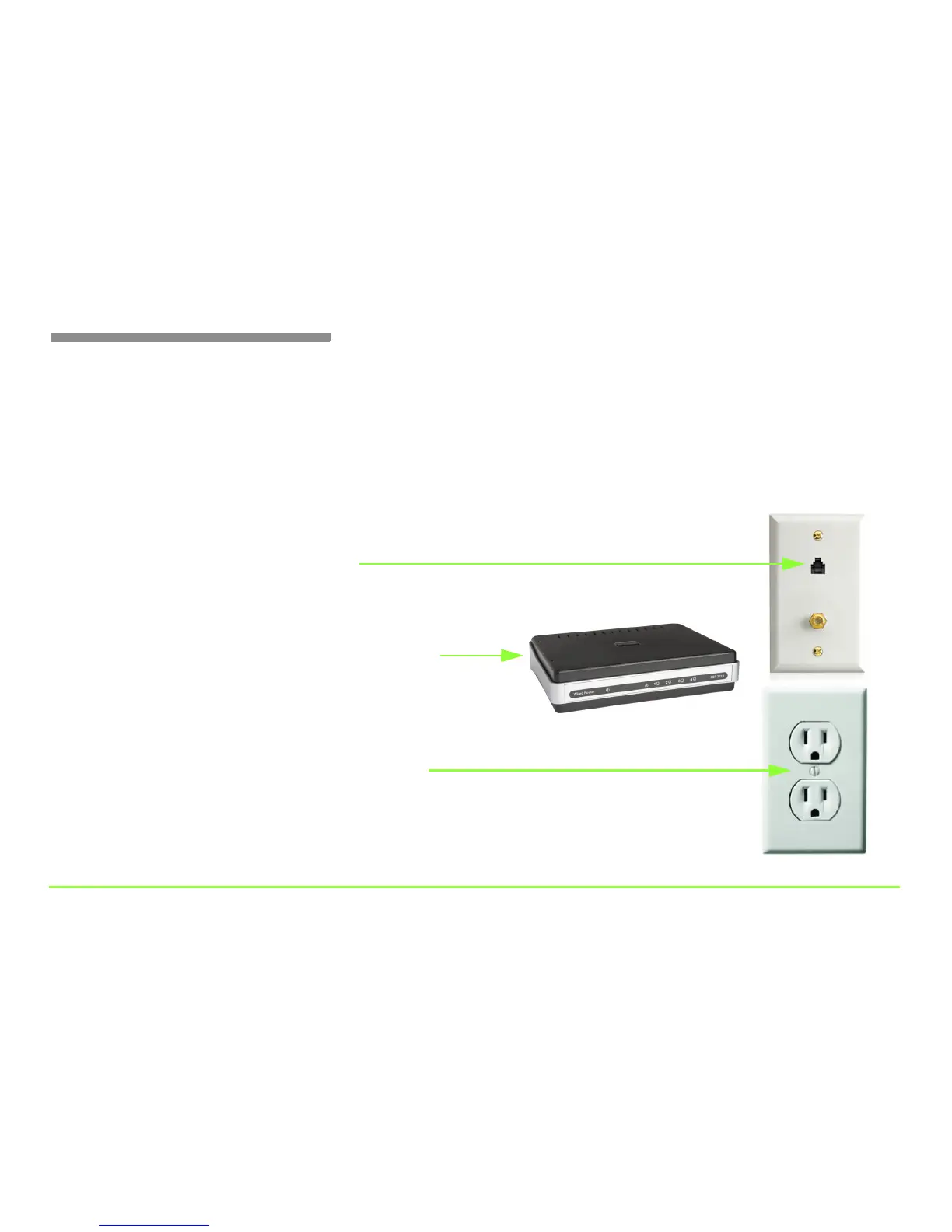
Step 6 — Plug the power adapter cord into a wall outlet
Step 4 — Plug the phone line into a wall jack
Step 5 — Plug the Ethernet cable into a modem or router
Note: Make sure the ferrite filter is on the end of the cable
that is attached to the phone, not at the modem/router end.
Note: Connect the phone to power last. Do
not touch the display screen immediately
after connecting the phone to the wall outlet.
Note: If your DSL modem provides a phone port,
you can plug the phone line right into the modem.
Note: If you plan to use wireless, you will not
need to use the Ethernet cable.



 To Next Page