setup guide 7
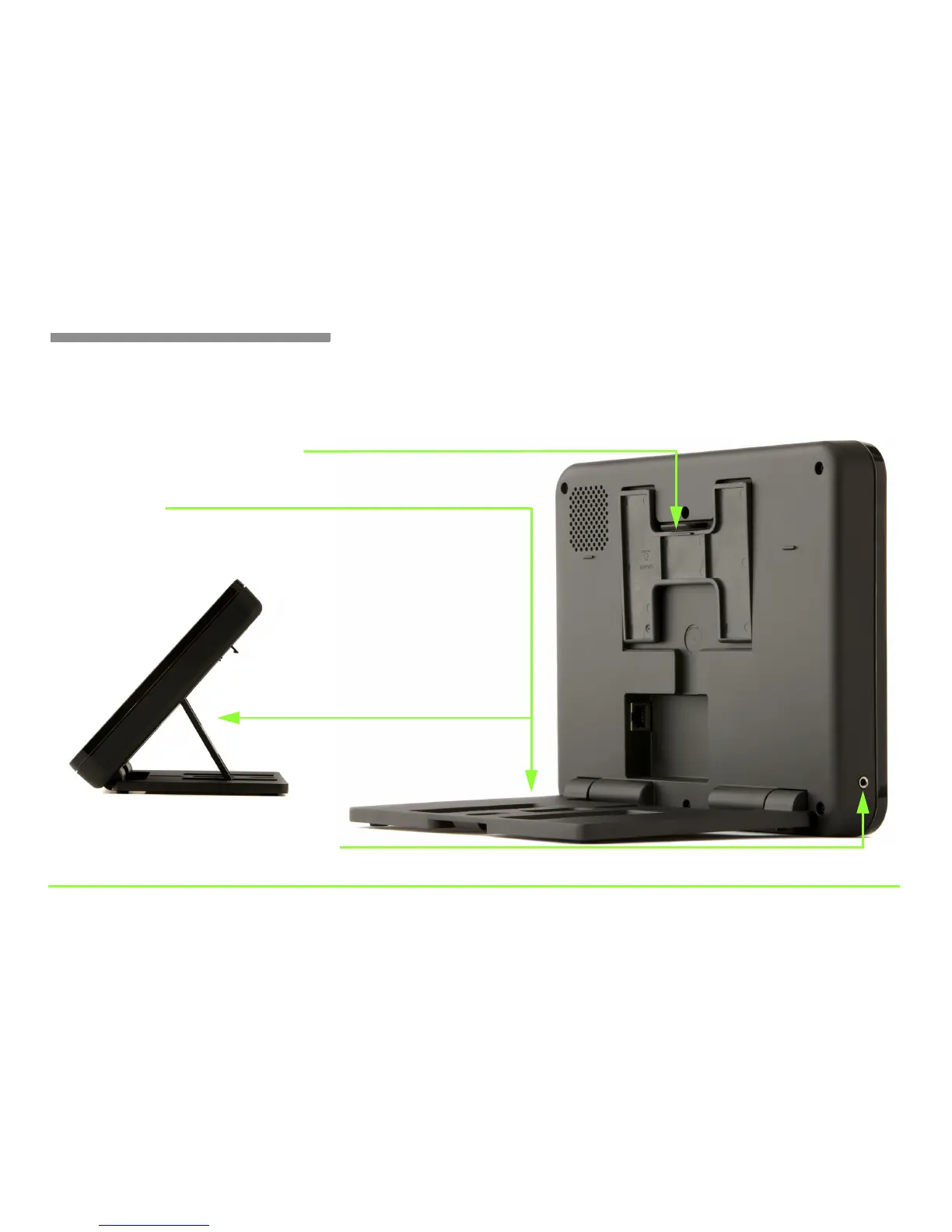
Step 4: Identify the parts of the phone (Part 1).
Look at the back side of the phone. Pull out the Platform Stand and Base
Platform to hold the phone at the desired angle when set up on a desk.
Platform Stand and Release Latch
Push latch to release stand, then pull down to desired position
2.5mm Audio jack
Position phone at the desired angle, and then hold
the phone securely using the Platform Stand
Base Platform
Used for neckloop with microphone to connect to hearing aids



 To Next Page