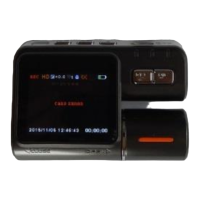
Playback Resetting
In the status of Playback,press and release the Button MENU
Connect and PC
Download Files:
Connnect Camera and PC
Press and release the Power Button
Blue Indicator is burning
Movabl Disc/ PICBRIDGE /Camera will be show on Screen of Camera
Choose Movable Disc
The Movable Disc Sign will be show on PC
If you choose Camera,this equiment will be used as web camera.
Notice
:
Operation System
:
Windows 2000/XP/Vista/Windows 7,MAC OS x 10.3.6
以上。
Get out of USB Cable to turn off the camera.



 To Next Page