Need help?
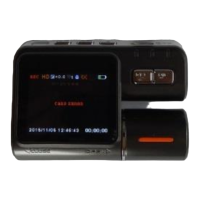
Do you have a question about the Carcam K2000 and is the answer not in the manual?
Resets image settings to default values via the MENU button.
Selectable modes include single shot, self-timer, and continuous.
Covers resolution, quality, sharpness, white balance, color, and ISO settings.
Includes exposure compensation, face/smile recognition, and anti-shake.
Configures quick preview duration and date/time stamp on files.
Instructions for navigating and controlling video playback.
Instructions for navigating and controlling image playback.
Resets playback and details connecting the camera to a PC.
Procedure for downloading files and using the device as a webcam.
 General
| Brand | Carcam |
|---|---|
| Model | K2000 |
| Category | Dash Cameras |
| Language | English |


 To Next Page