6
5. SELECT GAME
Before initial card fill, the intended game must be selected.
NOTE: Once cards are filled in, the game selection menu can for game integrity reasons not
be entered any more.
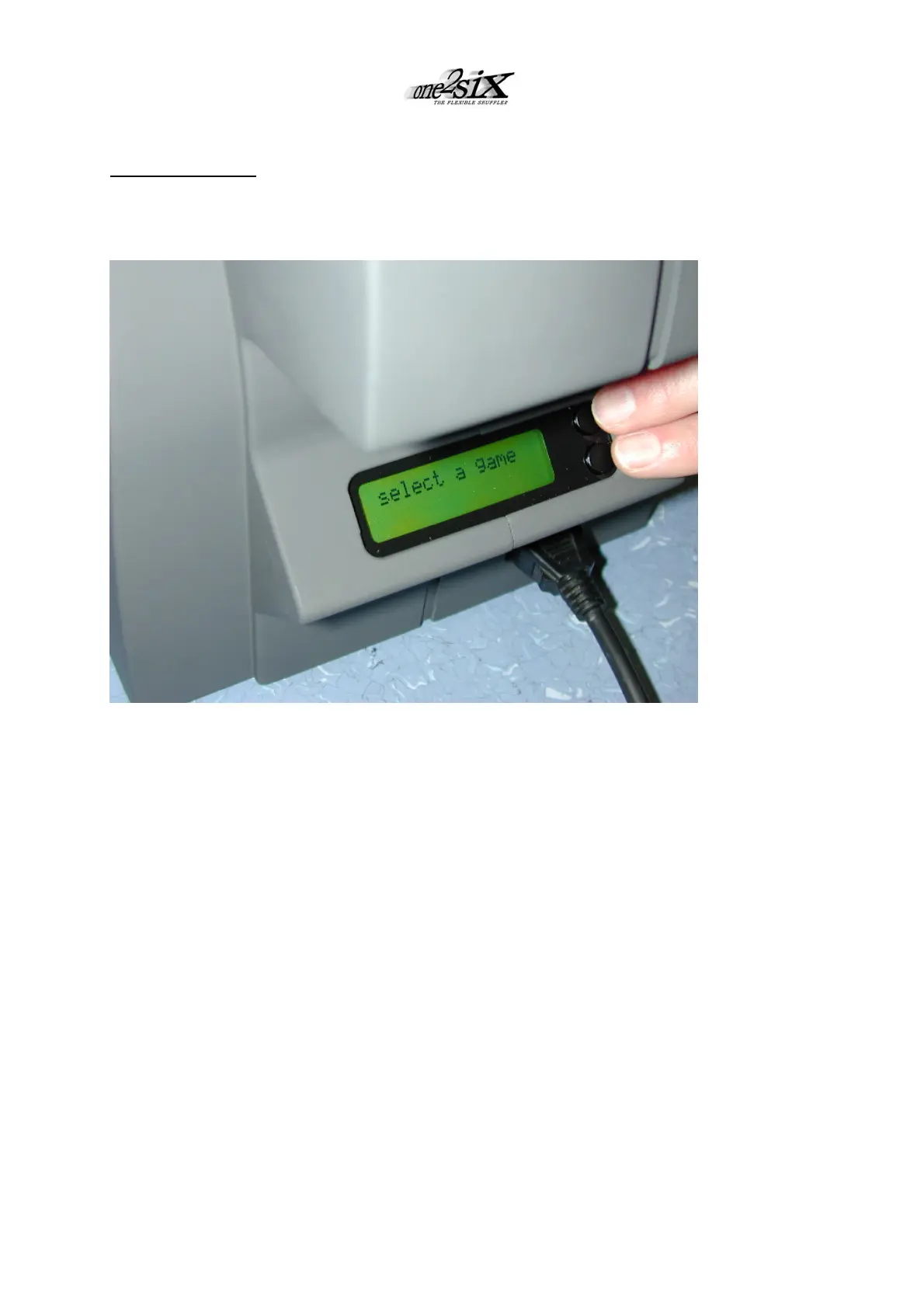
Enter the selection menu:
• Press the two buttons on the rear display once simultaneously.
(Display shows SELECT GAME)
• Press both buttons again once simultaneously.
• Display shows the actually selected game. To alter game, scroll by tapping one of the
buttons.
• Having chosen the intended game, press the two buttons again once simultaneously.
Orange top light shows the initialisation of one2six for the selected game.
After a few seconds top light changes to green, one2six is ready for operation. Display
shows INSERT CARDS.



 To Next Page