8400-0145-2M Rev A 201 PC Connectivity Setup Guide
An alternative configuration is to connect the 201 to a switch or router and enable DHCP to
assign the IP address automatically if the DHCP enabled router or a DHCP server is on the
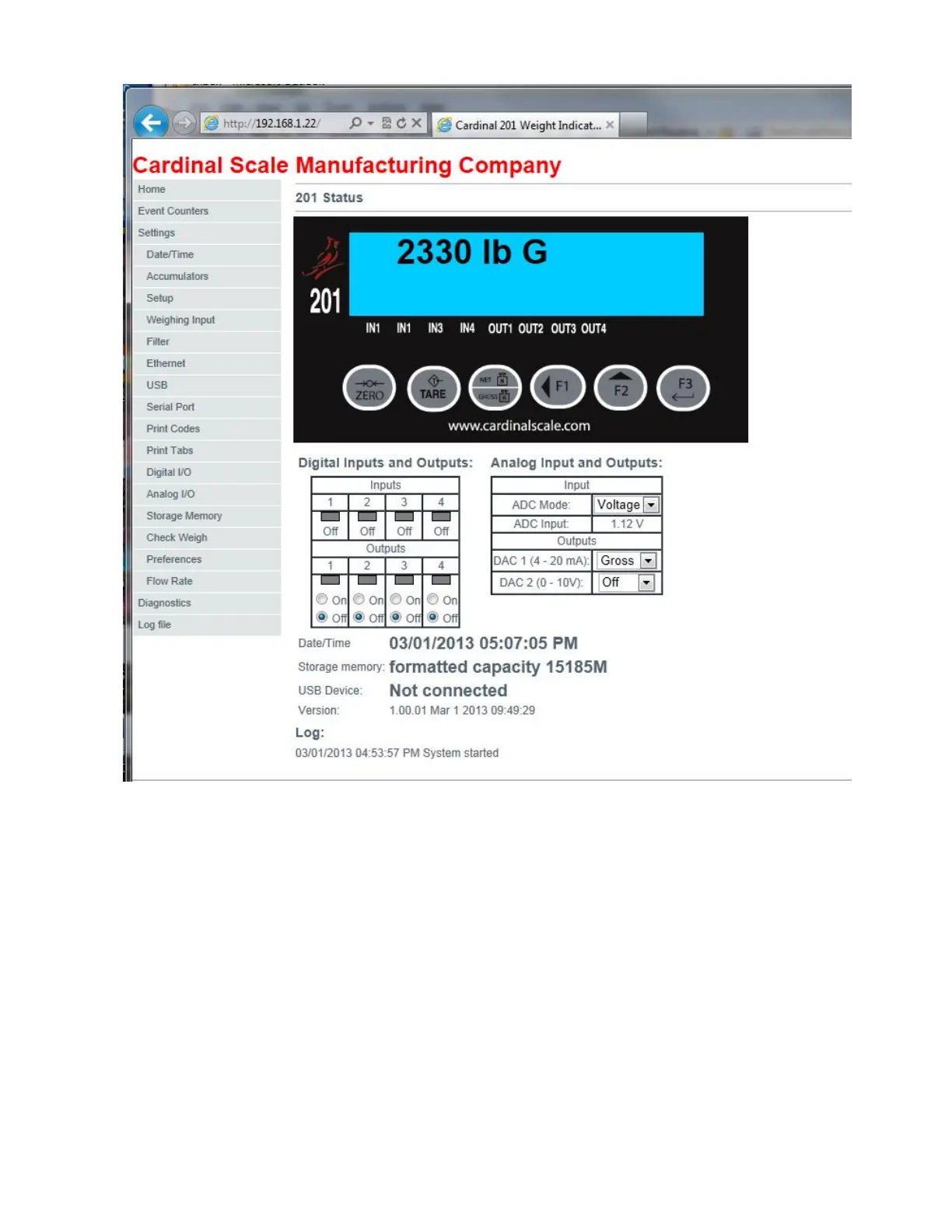
company network. In this case very little configuration is needed. Simply set the 201 to DHCP
“on” and watch the display on the 201 as it is powered up to see what IP address was
assigned automatically. Use this number in Internet Explorer.


 To Next Page