EasyManua.ls Logo

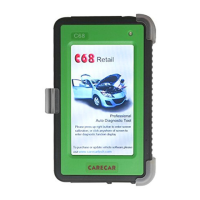
Carecar C68 - Accessory Description

Carecar C68
35 pages
Print Icon
To Next Page IconTo Next Page
To Previous Page IconTo Previous Page
Loading...
www.obd2express.co.uk
3
NO. Name Description
1 Touch Screen
Indicate operation buttons, testing information
and help information
2 Protective Case
To protect C68 from vibration, dropping and dirt
3
Power Light
To indicate tool’s operation status
4 Diagnostic Port
To connect main cable
5 Shortcut Key
Touch screen calibration
6 Stylus
Selecting items and enters information
while operating the C68
7 Micro USB Port
To connect the computer for update
8 SD Card Slot
To insert the SD card
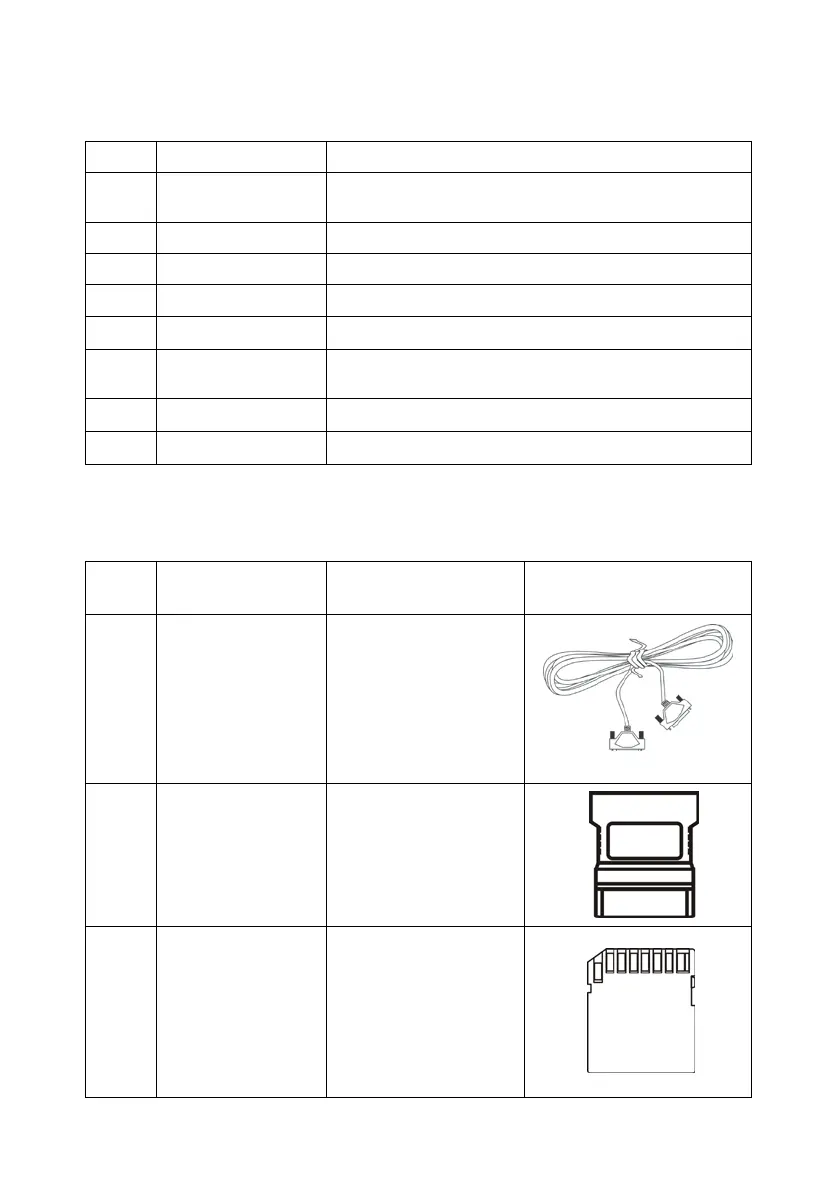
1.3 Accessory Description
NO. Name Description Picture
1
C68 Main Cable
To connect C68
with OBDII
connector
2
C68 Connector
OBDII diagnostic
connector
3
SD Card
To store C68 vehicle
diagnostic softwares
and screenshots