EasyManua.ls Logo

Carmanah A704-5 - User Manual

Carmanah A704-5
51 pages
Print Icon
To Next Page IconTo Next Page
Loading...
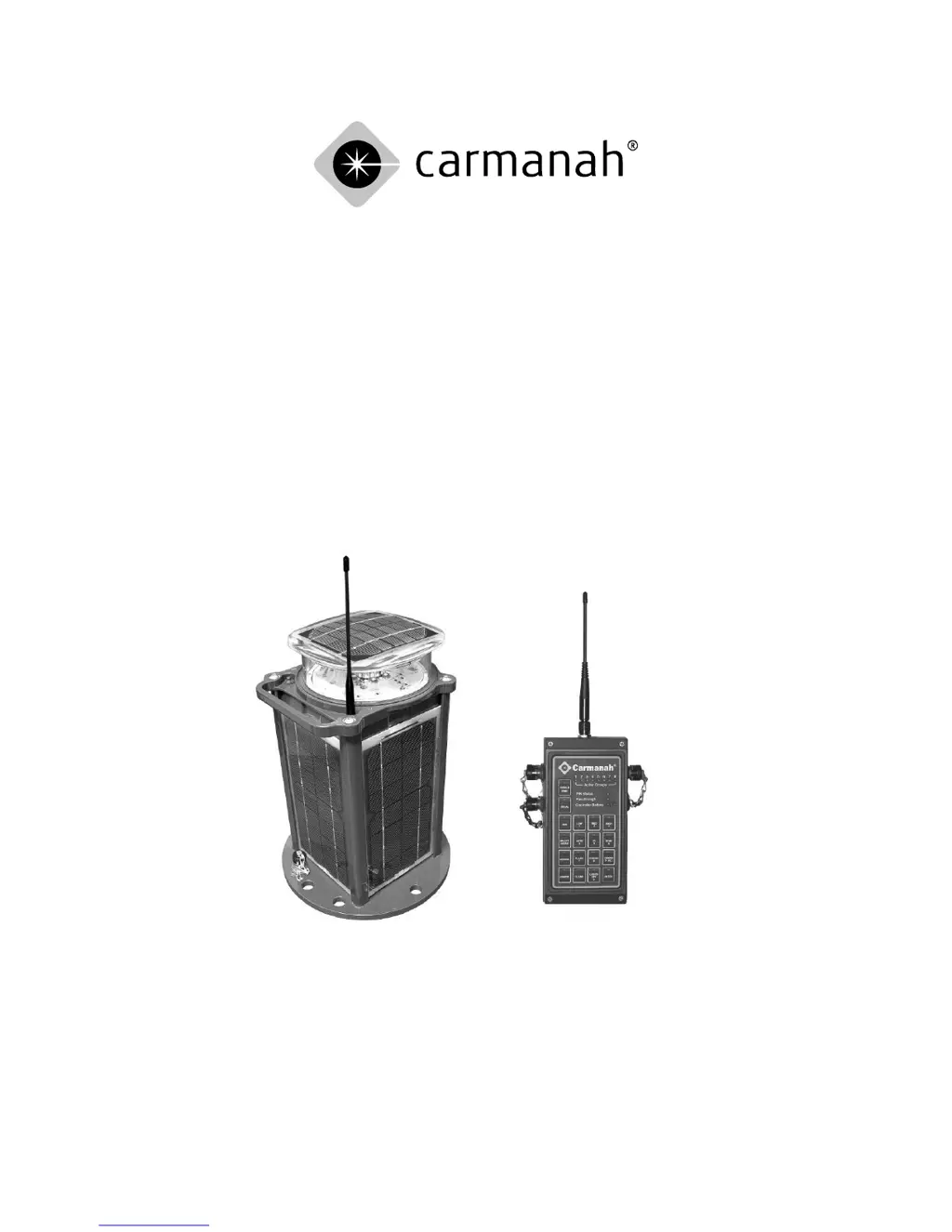
Owner’s Manual
Model A704-5 Wireless Aviation Lighting System

Table of Contents

Questions and Answers

Summary

Precautions for A704-5 System

Viewing Precautions

Safety guidelines for viewing the light's emitted infrared or visible light.

Battery Precautions

Critical safety instructions for handling the light's batteries, including jewelry removal.

Electrostatic Discharge (ESD) Precautions

Procedures to prevent damage from static electricity during maintenance.

Model A704-5 Aviation Light Operation

Model A704-5 Light Quick Start Guide

Step-by-step instructions for initial setup and basic operation of the A704-5 light.

Push Button Operation

Detailed guide on using the physical push button for light programming and mode selection.

Wireless Controller Operation

Wireless Controller Quick Start Guide

Initial setup and basic operation instructions for the wireless controller.

PIN Entry

Procedure for entering the Personal Identification Number to access controller functions.

Basic User Operations

Essential operations for controlling the lights using the wireless controller.

UCS Configuration

Steps to set up, manage, and configure Unique Code Sequences for system security.

Troubleshooting

Critical Low Battery Recovery Method

Advanced procedure for recovering batteries discharged below operational levels.

Installing the Model A704-5 Aviation Light

Model A704-5 Operational Maintenance;Diagnostics

Maintenance and Product Care

Model A704-5 Battery Replacement

Battery Replacement Procedure

Step-by-step instructions for safely replacing the batteries in the A704-5 light.

Power Cycling the Controller

Carmanah A704-5 Specifications

General IconGeneral
Update Rate1 Hz
Velocity Accuracy0.1 m/s
Enclosure RatingIP67
Antenna TypeInternal patch antenna
Receiver TypeGPS L1, C/A code
Channels12 parallel channels
Data OutputNMEA 0183
Baud Rate4800 bps