EasyManua.ls Logo

Carmanah G Series - User Manual

Default Icon
96 pages
Print Icon
To Next Page IconTo Next Page
Loading...
G Series
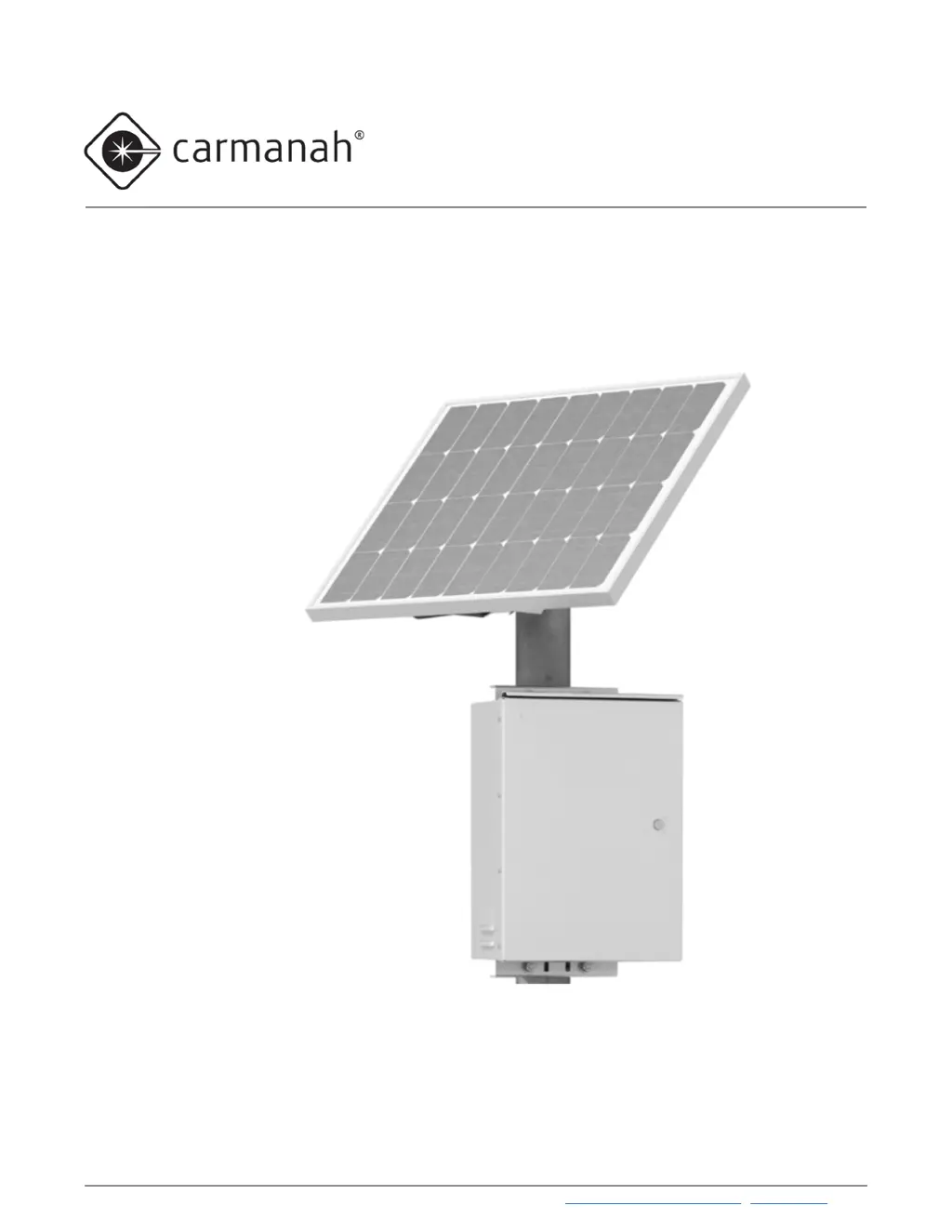
TRAFFIC BEACON USER MANUAL
Carmanah Technologies Corp. | 250 Bay St, Victoria, BC, Canada | 1.250.380.0052 | customersupport@carmanah.com | carmanah.com
For the SC315-G, R820-G, R829-G and R247-G flashing beacons
87667_MANUAL_TRA_G-Series_RevE

Table of Contents

Other manuals for Carmanah G Series

Questions and Answers

Summary

1.0 Warnings and Precautions

1.1 Warranty Disclaimer

Outlines terms that could void the warranty.

1.2 Standards

Emphasizes compliance with building and electrical codes.

1.3 Safety and Usage Precautions

Details safety measures for handling batteries, solar panels, and heavy equipment.

1.4 System Components

2.0 Introduction

2.1 About the G Series

Lists G Series models, applications, and communication types.

2.2 Ambient Brightness Sensor

2.3 Radio Communication

2.4 Label Explanation

2.5 SC315-G: Pedestrian Crosswalk with RRFB Light Bars

2.6 R820-G: Pedestrian Crosswalk with Circular Beacons

2.7 R829-G: School Zone Flashing Beacon

2.8 R247-G: 24-Hour Flashing Beacon

2.9 RRFB Light Bars: Overview

2.10 Circular Beacons: Overview

2.11 LED Enhanced Signs: Overview

2.12 Alternating Three Beacon Setup

2.13 Multiple Steady-On Loads

2.14 Third-Party Devices: Overview

3.0 Solar Panel and Cabinet Installation

3.1 Tools and Materials Required

Lists necessary tools and materials for installation.

3.2 Pole Preparation

Details steps for preparing the pole for installation.

3.3 Solar Panel Installation

Explains the two options for mounting the solar panel.

3.4 Cabinet Installation

3.5 Overview of Cabinet Terminals

LED Terminal Block

Details the 16-position connector for LED fixtures.

Input;Output Terminal Block

Describes the terminal block for input/output signals and power.

3.6 Installation of Cabinet Terminals

4.0 Fixture and Pushbutton Installation

4.1 RRFB Light Bar Installation

Details the installation process for RRFB light bars.

4.2 Circular Beacon Installation

4.3 LED Enhanced Sign Installation

4.4 Pushbutton Installation

4.5 Energizing the System

5.0 Installation of Optional Accessories

5.1 Calendar Upload; Override Switch Kit Installation

Details installing the calendar upload/override switch kit.

5.2 RTC Time Switch Installation

5.3 Information Display Company Time Switch Installation

5.4 Applied Information or FCU Modem Kit Installation

5.5 3 PD Time Switch Supplementary Information

5.6 AC Relay Kit Installation

5.7 DC Relay Kit Installation

5.8 Polara XAV Controller Kit Installation

5.9 Polara iNX and iDX Audible Pushbutton Kit Installation

5.10 Campbell Guardian Audible Pushbutton Kit Installation

5.11 MS Sedco Passive Detector Installation

5.12 Dual EMS

6.0 Energy Management System Programming and Testing

6.1 EMS On-Board User Interface Operation

Explains how to operate the EMS On-Board User Interface (OBUI).

Flash Pattern

Input Type

Flashing Duration

Intensity (LED Driver Current)

Night Dimming

Ambient Auto-Adjust

Automatic Light Control (ALC)

LED Temperature

Internal Calendar

Radio Enable

Radio Channel

Radio Detection Status

Digital Output

Pushbutton Input Status

Activation Count

LED Fixture Test

Built-In Self-Test (BIST)

Firmware Version

6.2 SC315-G Programming

6.3 R820-G Programming

6.4 R829-G Programming

6.5 R247-G Programming

7.0 Commissioning Checklist

8.0 Maintenance and Product Care

8.1 Fuse Replacement

Provides instructions for replacing fuses in the system.

8.2 Battery Replacement

8.3 EMS Replacement

8.4 EMS Recycling

9.0 Troubleshooting

9.1 BIST Error Codes

10.0 Customer Service and Warranty

10.1 Additional Products

Lists other compatible Carmanah products.

10.2 Glossary

Carmanah G Series Specifications

General IconGeneral
BrandCarmanah
ModelG Series
CategorySecurity System
LanguageEnglish