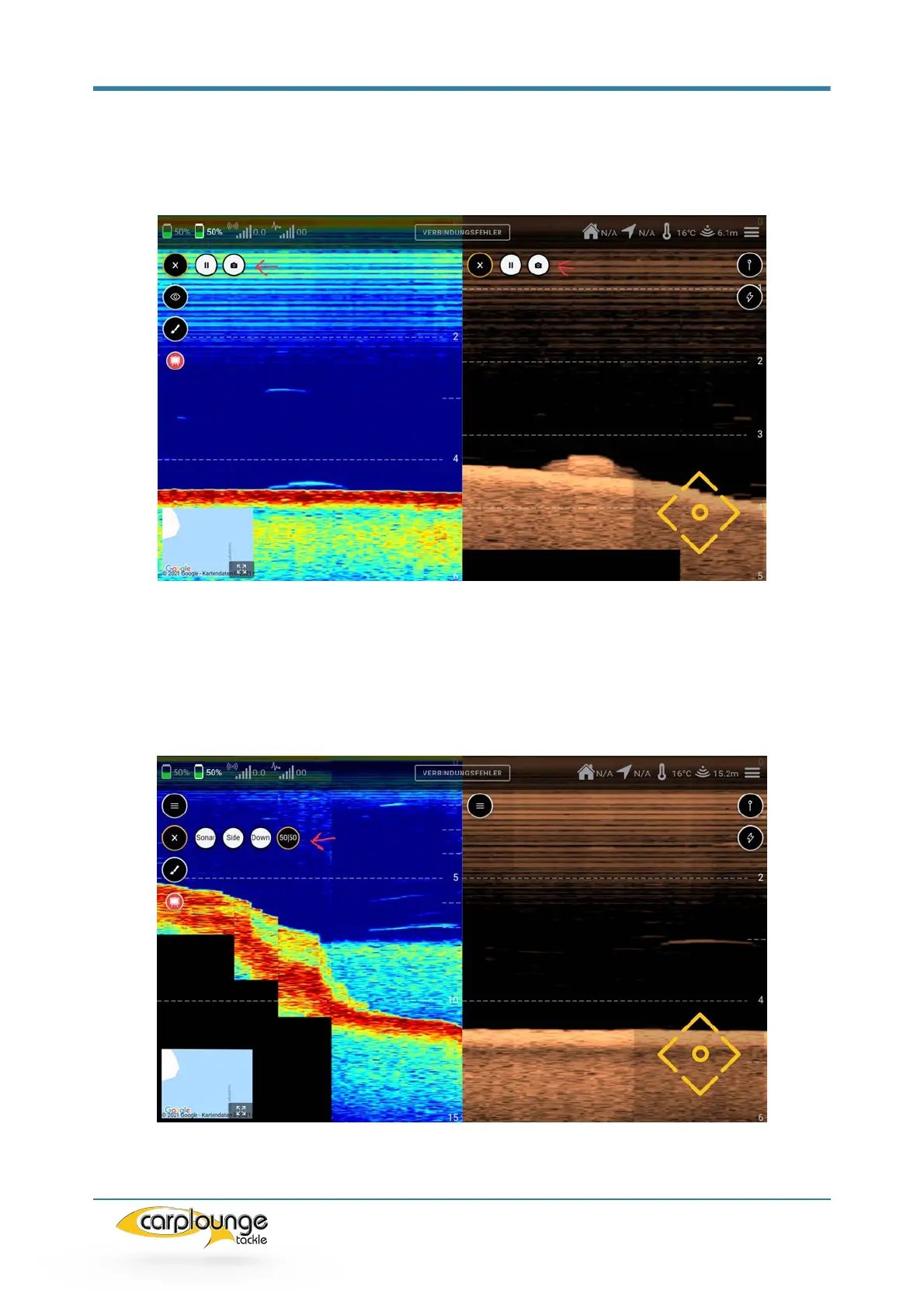
Pressing the top icon opens the pause function and the screenshot function.
Pictures taken are saved in
Images / Download folder saved (this may require access approval)
By pressing the "eye symbol" you get to the selection of the views,
Here you can switch between the different echo sounder images
(Sonar / Chirp / Downscan / Sidescan / 50/50 Chip/sonar)
The chirp and downscan image are displayed together in the 50/50 image


 To Next Page