EasyManua.ls Logo

Carrier ComfortPro 200INT - User Manual

Carrier ComfortPro 200INT
60 pages
Print Icon
To Next Page IconTo Next Page
Loading...
Operator’s Manual
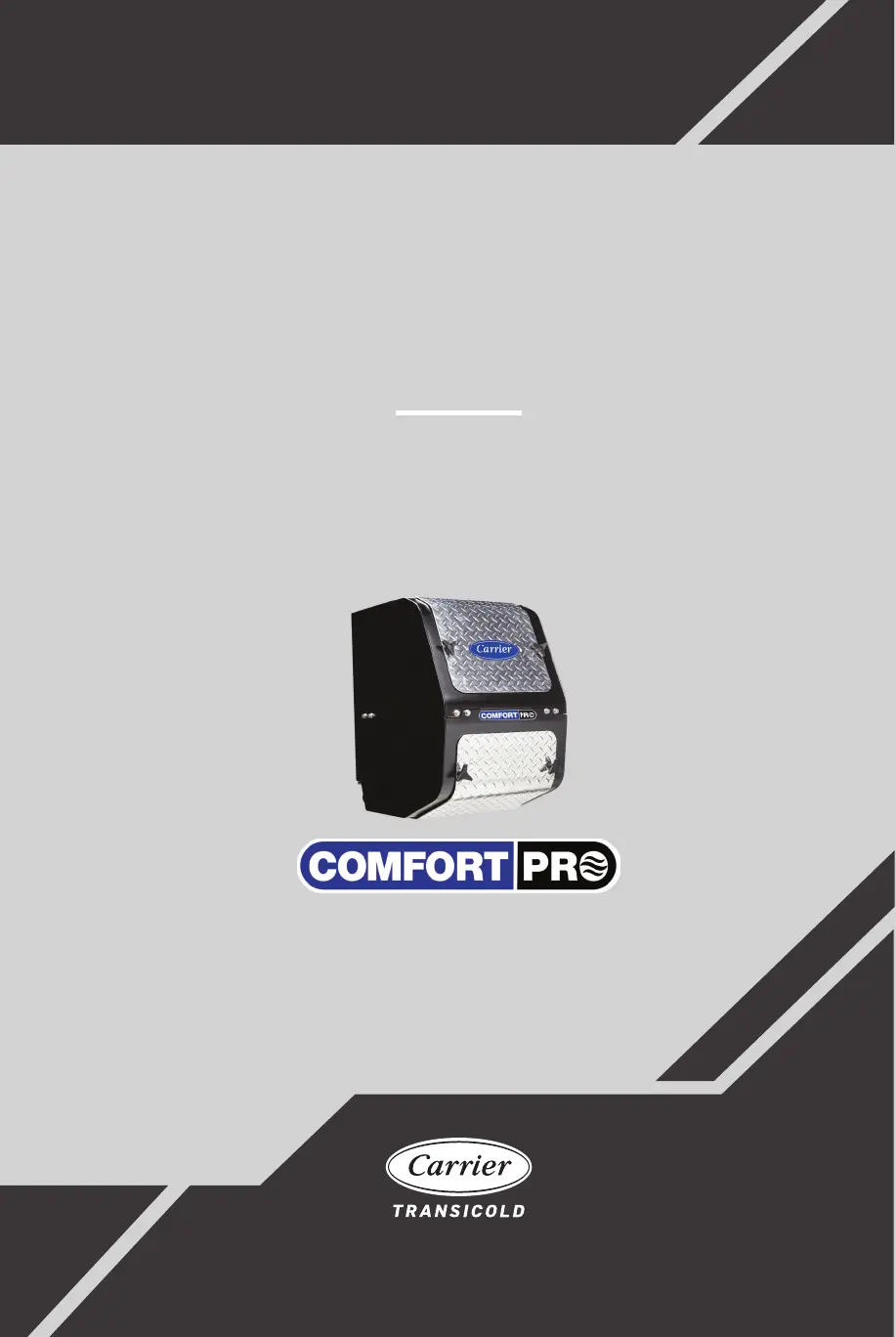
ComfortPro
200INT, 210STA, 220PWR, 230SKY
Diesel Auxiliary Power Unit
62-12076
Rev C
TM

Questions and Answers

  • M
    Michelle DoyleAug 3, 2025
    What to do if the Carrier ComfortPro 200INT Portable Generator shows 'Main Engine Interlock'?
    • C
      Cameron BoyerAug 3, 2025
      If the main engine interlock option is enabled, the 'Main Engine Interlock' message appears when you try to start the Carrier Portable Generator APU while the truck engine is running. To resolve this, turn off the truck engine. If the message persists after turning off the truck engine, contact a Carrier Transicold dealer. Alternatively, the message may appear if the APU mistakenly thinks the truck engine is running. In this case, also turn off the truck engine. If the 'Main Engine Interlock' message continues, contact a Carrier Transicold dealer.
  • C
    Casey WheelerAug 8, 2025
    What to do if the HVAC breaker trips on a Carrier Portable Generator?
    • M
      Melissa RobertsAug 8, 2025
      If the HVAC breaker has tripped on your Carrier Portable Generator, wait for the display to show 'RESET', then press the ESC/RESET button. If the breaker doesn't automatically reset, or if the problem happens again, contact a Carrier Transicold dealer.
  • K
    Kevin PetersonAug 11, 2025
    What to do if the HVAC breaker tripped and has already reset itself on my Carrier ComfortPro 200INT Portable Generator?
    • S
      Sharon JohnstonAug 11, 2025
      If the HVAC breaker tripped and has already reset itself on your Carrier Portable Generator, press the ESC/RESET button. If the problem continues to occur, contact a Carrier Transicold dealer.
  • D
    Desiree Livingston MDAug 16, 2025
    What to do if the power outlet breaker tripped on my Carrier ComfortPro 200INT?
    • M
      Michelle BergAug 16, 2025
      If the power outlet breaker has tripped, first wait for the display to change to 'RESET', then press the ESC/RESET button. Also, try reducing the number of devices connected to the power outlet. If only one appliance was connected when the breaker tripped, there might be an electrical problem, so stop using the system and have it checked by a Carrier Transicold dealer. If the breaker continues to trip, stop operating the high heat setting and contact a Carrier Transicold dealer.
  • M
    Marc BakerAug 20, 2025
    What to do if the high heat breaker tripped on my Carrier ComfortPro 200INT?
    • K
      Katelyn DaughertyAug 20, 2025
      If the high heat breaker has tripped on your Carrier Portable Generator, wait for the display to change to 'RESET'. Then, press the ESC/RESET button. If the breaker trips again, stop operating the heat at the high setting and contact a Carrier Transicold dealer.
  • S
    Sandra RobinsonAug 25, 2025
    Why is there no outlet power on my Carrier ComfortPro 200INT Portable Generator?
    • D
      Dana SandersAug 26, 2025
      If the power outlet icon does not appear on your Carrier Portable Generator, and you are operating in HIGH HEAT, this is normal. Outlet power is not supplied in high heat. Adjust to a low heat setting to enable the power outlet. If not operating in high heat, the generator breaker may have tripped; reset it and reduce the number of devices plugged in. For DPF equipped units, the APU may be regenerating, during which outlet power is disabled. Wait for the REGENERATING message to clear from the DCP, which can take up to 30 minutes, after which outlet power will be restored.
  • L
    Lisa ElliottAug 29, 2025
    What to do if Carrier ComfortPro 200INT shows a 'Crank Limit'?
    • K
      Karen WhiteAug 29, 2025
      If the Carrier Portable Generator displays a 'Crank Limit' message, check the fuel level in the truck's fuel tank. If the fuel level is adequate, consult a Carrier Transicold dealer for further assistance.

Summary

Safety and System Overview

Safety Precautions and Warnings

Covers essential safety alerts, hazard warnings (WARNING, CAUTION, NOTICE), and compliance information.

Introduction to ComfortPro APU

Provides an overview of the ComfortPro APU, its key features, and available options like integrated and stand-alone models.

APU Components and Operation

APU Unit Components

Details the physical components of both integrated and stand-alone APU units with diagrams.

Core APU Operation Modes

Explains manual and automatic operation, including Comfort Monitor for climate control.

Advanced Features and Settings

DCP Configuration and Time Settings

Covers setting up passwords, configuring the Driver Control Panel (DCP), and adjusting time and date.

Programmable APU Functions

Details how to use Comfort Monitor, Timer, Temp Start, Maximum Run Time, and Battery Monitor features for automated operation.

Maintenance, Troubleshooting, and Specifications

Maintenance and Inspection Procedures

Outlines the maintenance schedule, pre-trip inspections, and general HVAC system checks for optimal performance.

Troubleshooting and System Specifications

Provides guidance on diagnosing common faults and lists the technical specifications of the APU and CCU.

Carrier ComfortPro 200INT Specifications

General IconGeneral
BrandCarrier
ModelComfortPro 200INT
CategoryPortable Generator
LanguageEnglish

Related product manuals