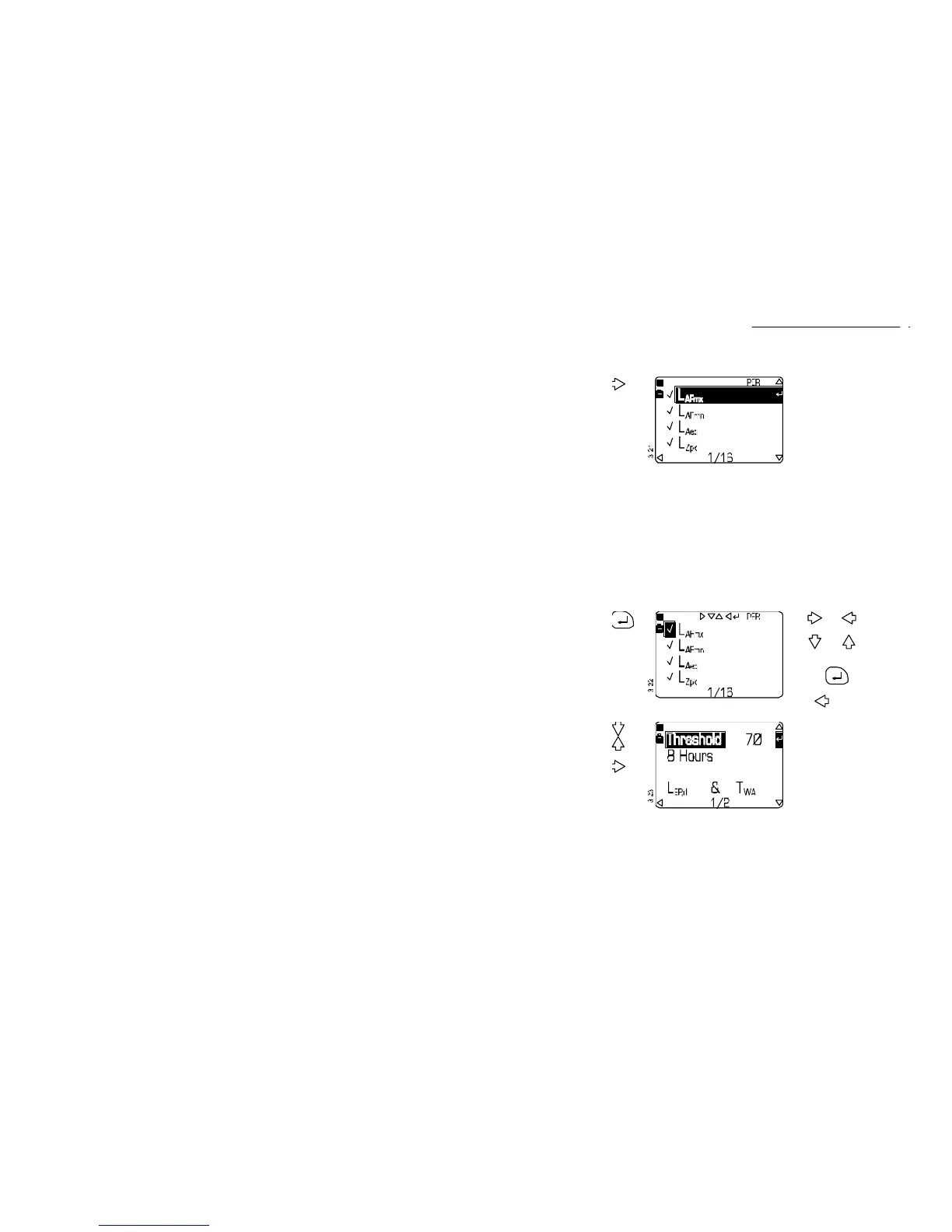
Operation Press Display Shows Comments
11. Select
Period and
Profile
Functions
from the
Period
Setup
screen
The Period and Profile
functions are set in the
same way as the cumulative
functions (√ =enabled, X
=disabled) and use the
weightings set in step 6
above.
Period and profile
measurement have the
following restrictions:
Histogram and H
ML
functions are not available,
L
AF LTm5
L
AFmx
L
AFmn
L
AF10.0
LAeq
L
AF50.0
L
Zpk
L
AF90.0
L
AE
L
AF95.0
L
EP,8h
L
AF99.0
L
Tm3
A maximum of 4 profiles can
be attached,
The period or profile time
must be 1 minute before
LN% values are available.
12. If required,
enable (√)
or disable
(X) the
functions
to
enable
quick
edit
mode
Use and to select a
field.
Use and to change
the entry in the field.
Save the settings by
pressing again to
resume normal operation.
Press to return to the
Setup screen.
13. Select
Dose
Results
from the
Setup
screen to
enable
dose
measure-
ment
or
then
This screen allows the dose
threshold and normalisation
period to be set. Only levels
above the threshold level
will be included in the dose
measurement.
The threshold can be set to
0, or in 1 dB steps between
70 and 90 dB.
U.K legislation requires that
the threshold be set to 0.
CEL-450/490 Operators Handbook - Page 31
Select Mode & Setup



 To Next Page