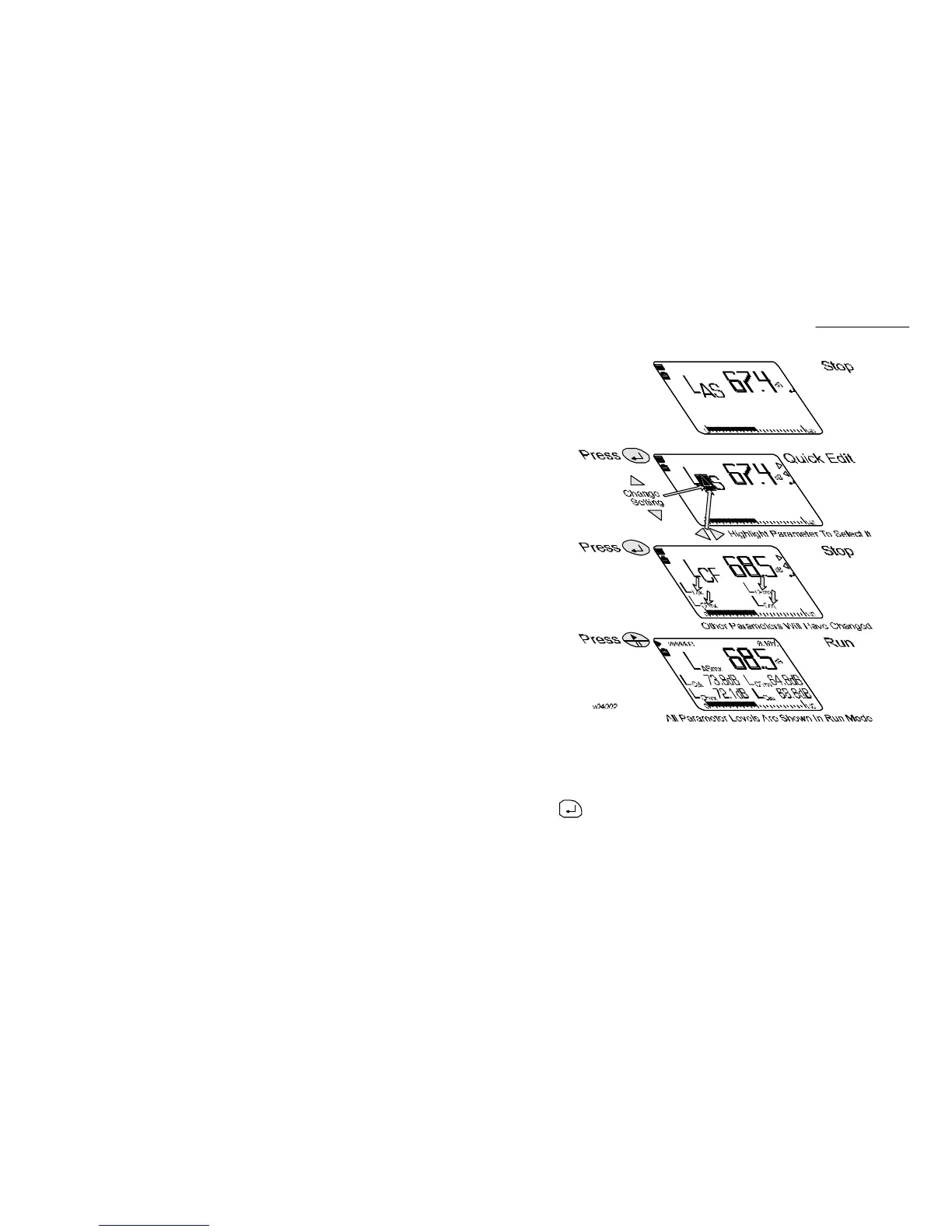
1.2 Quick Edit
All control functions for the CEL-450 and CEL-490 are accessed via menu
displays. In addition a powerful Quick Edit facility can be invoked by
the key to allow measurement parameters and settings to be
changed quickly and easily on screen. Figure 2 shows how the quick edit
function enables the cursor keys to edit the current settings.
Figure 2: Quick edit functions
Introduction
CEL-450/490 Operators Handbook - Page 9



 To Next Page