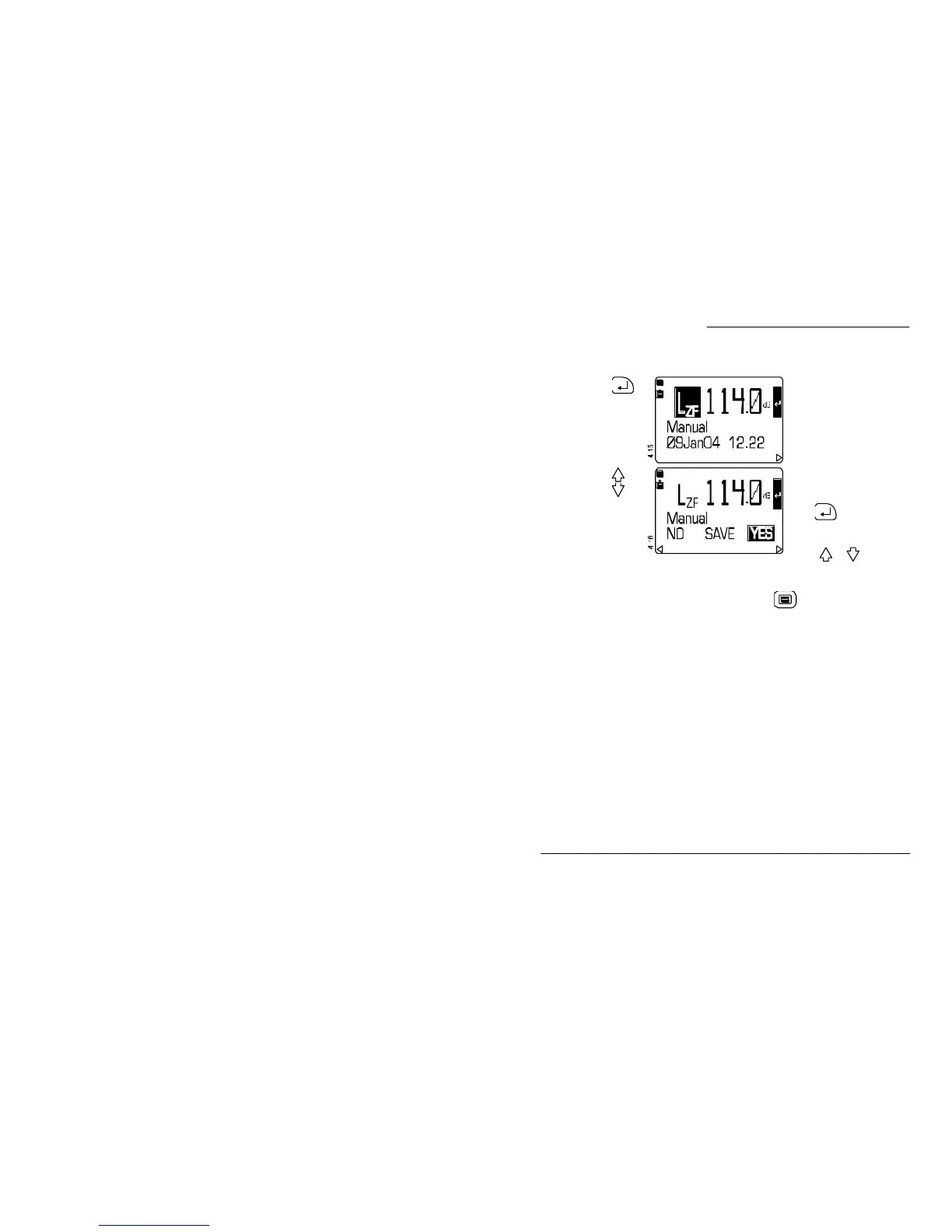
Operation Press Display Shows Comments
8. When the
level is
correct
To allow the new setting to
be saved as the current
calibration
4
.
9. Save the
calibration
or
The user is given the option
of saving or not saving the
new calibration.
Press again to use the
highlighted option and save
the calibration.
Or use or to
highlight NO SAVE to ignore
the current calibration and
use the previous calibration.
When the calibration check is complete, press once to obtain a
Measurement screen or twice to obtain the Main menu that gives
access to all settings and stored data.
Note 4: The instrument saves the four most recent calibrations.
CEL-450/490 Operators Handbook - Page 43
Acoustic Calibration Check



 To Next Page