EN-6
3. Use D to change the selected setting.
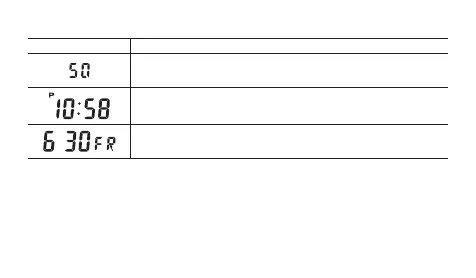
Screen This setting item:
Reset the second to 00
• 30 to 59 seconds: Adds 1 to minutes
Change the hour or minute
• Holding down D changes the current selection at high speed.
Change the month, day, or day of the week
• Holding down D changes the current selection at high speed.
4. Press C to exit the setting screen.
• The watch returns to the Timekeeping Mode automatically if you do not perform
any button operation for one or two minutes in the Time Setting Mode.



 To Next Page