EasyManua.ls Logo

Casio Casiotone CT-660 - Page 6

Casio Casiotone CT-660
28 pages
Print Icon
To Next Page IconTo Next Page
To Previous Page IconTo Previous Page
Loading...
2.
Power
Supply
*
Auto
power
off
function
Power
is
automatically
cut
off
approximately
6
minutes
after
the
last
opera-
tion
of
the
unit.
Power
supply
can
be
restored
by
switching
power
OFF
and
then
ON
again.
.
|CAUTION
|
*
THE
FOLLOWING
CONDITION
CAN
CAUSE
BATTERIES
TO
BURST:
1.
Use
of
adaptors
other
than
genuine
CASIO
adaptors.
2.
Loading
batteries
with
polarities
reversed.
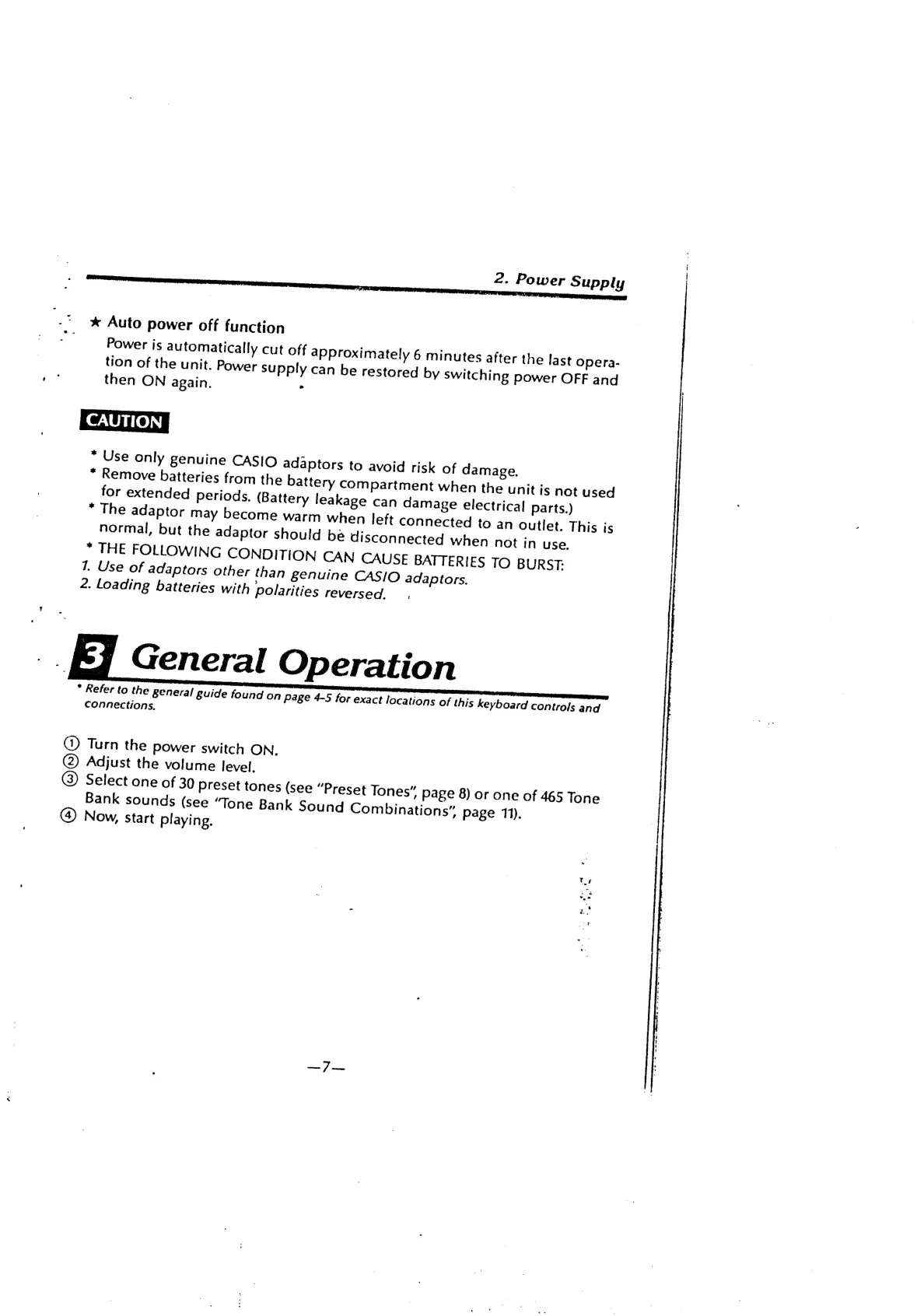
General
Operation
*
Refer
to
the
general
Buide
found
on
page
4-5
for
exact
locations
of
this
keyboard
controls
and
connections.
@)
Turn
the
power
switch
ON.
(2)
Adjust
the
volume
level.
@)
Select
one
of
30
preset
tones
(see
“Preset
Tones”
Page
8)
or
one
of
465
Tone
Bank
sounds
(see
“Tone
Bank
Sound
Combinations”
page
11).
)
Now,
start
playing.

Related product manuals