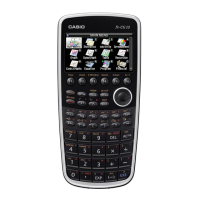
Getting Started with the fx-CG10
ICON Menu Name Description
FINANCIAL
This icon menu is used to perform nancial calculations and to draw cash
ow and other types of graphs.
DATA
ANALYZER
LINK
This icon menu is used to control the optionally available EA-200 Data Analyzer.
For information about this icon menu, download the E-CON2 manual from http://edu.casio.com.
LINK
This icon menu is used to transfer memory contents or back-up data to another unit or PC.
MEMORY
This icon is used to manage data stored in memory.
SYSTEM
This icon menu is used to initialize memory, adjust contrast, reset memory, and to manage
other system settings.
GEOMETRY
This icon menu allows you to draw, analyze and animate geometric objects.
PICTURE
PLOT
This icon menu allows you to plot points (that represents coordinates)
on screen and then perform various analysis of the data collected.
Conversion
This icon menu allows you to perform unit conversions of length, area, volume, time, temperature,
velocity, mass, force/weight, pressure, energy/work, and power.
The following explains the meaning of each icon on the fx-CG10 icon menu
3



 To Next Page
 Loading...