— 11 —
■ Key Input Sound
When the key input sound is turned on, your Digital Diary emits a beep each time you press one of its
keys.
To turn key input sound on and off
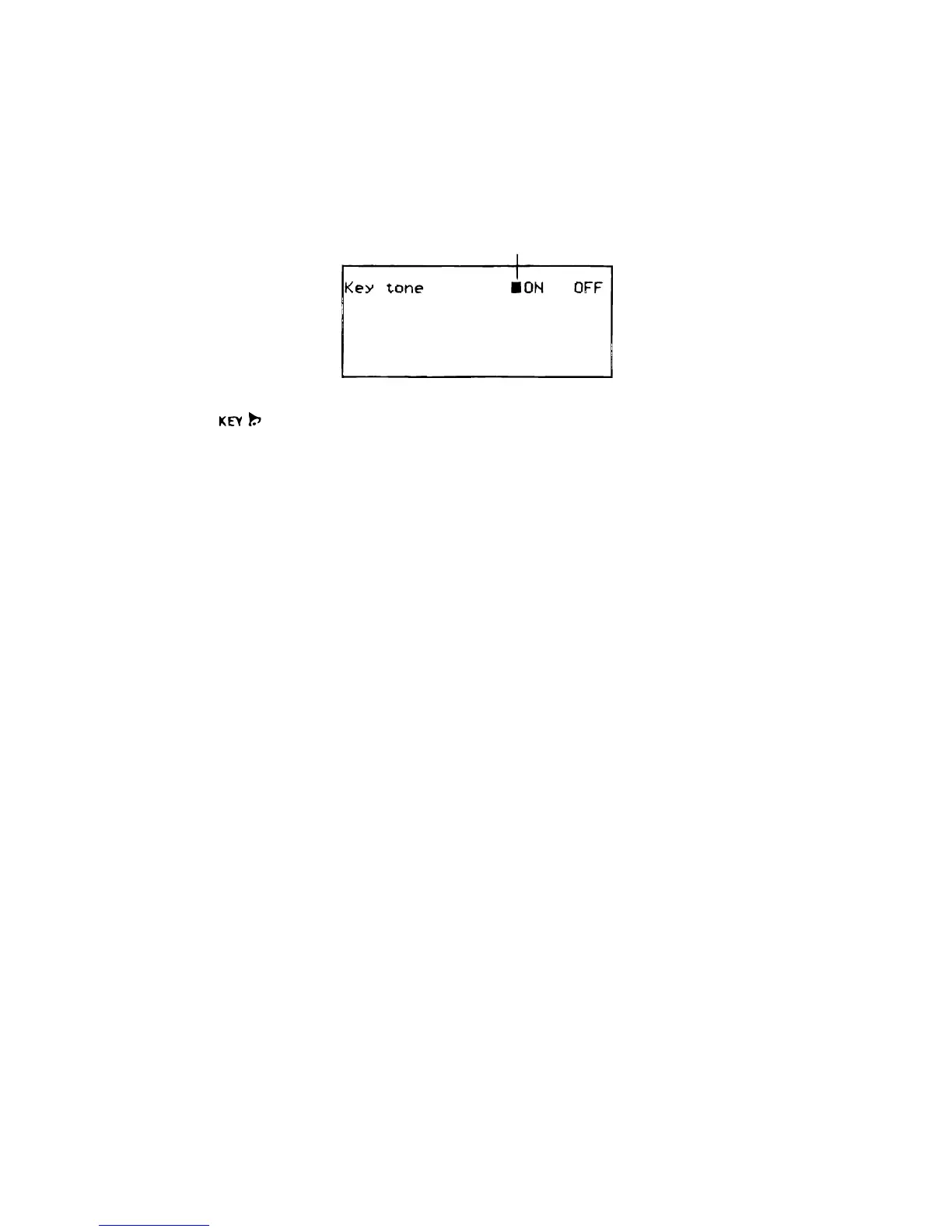
1. Press SHIFT FUNC and then select “Key tone.”
2. Use O and P to turn the key input sound on and off.
• The indicator is on the display while the key input sound is on.
3. Press OK to quit.
■ Destructive Backspace
When destructive backspace is turned on, the character at the cursor position is deleted when you
press the BS key.
To turn destructive backspace on and off
1. Press SHIFT FUNC and then select “Backspace”.
2. Use O and P to turn destructive backspace on and off.
3. Press OK to quit.
Currently selected setting



 To Next Page
 Loading...