Operation and Handling
caso WineCase 41
15 Operation and Handing
This chapter provides you with important notices with regard to
operating the device.
15.1 Operating elements and displays
The device transmits the following signal sounds as an acoustic
feedback signal:
Please note
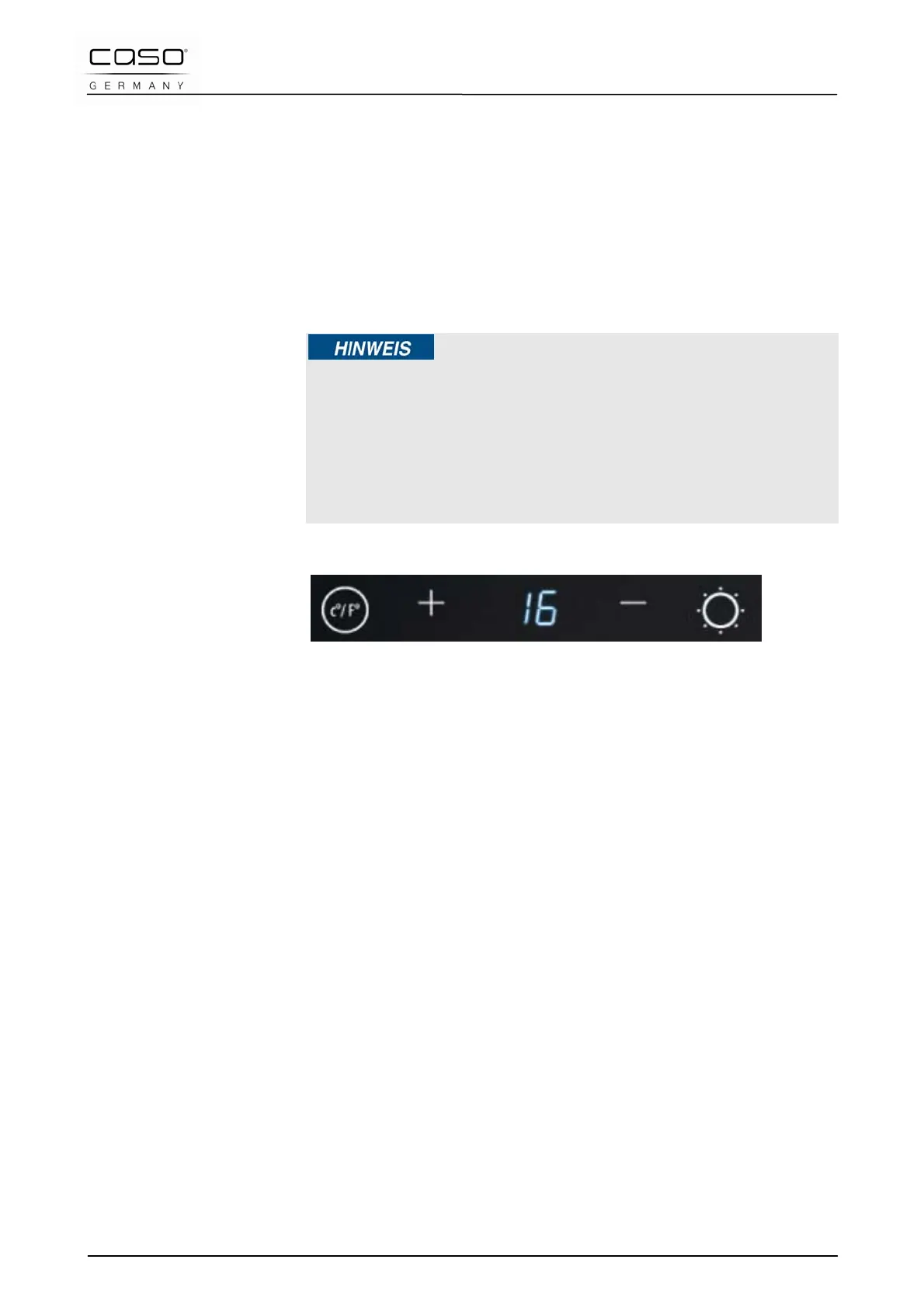
► Use the buttons + and – button to set the temperature in the
range of 7-18°C.
► Temperature recommendations: Red wine: 12°C – 16°C and
white wine 6°C – 10°C.
► The display indicates the average temperature of the
appliance at the moment.
You can set the temperature in C° and F° as you desire by
pressing the “C°/F°” button.
There are press-buttons on the panel “+” and “-” to adjust the
temperature by 1°C among 7-18°C.
You can tune the interior light on or off by pressing the “Light”
button.
15.2 Rating plate
The rating plate with the connection and performance data can
be founded on the back of the device.




 To Next Page