14
4. Press Back to return to the main screen.
Accessing Applications
1. To access the applications, press Menu.
2. Use the Menu scroll buttons to highlight the applicable application and press OK or
Select.
3. Select the features listed for each application.
Making and Receiving Calls
1. To make a phone call, dial the number or press Names from the main screen:
Dial: Enter the number and press Send/Answer .
Names: Press Names, scroll to select a contact name, and press Send/Answer.
2. To receive a call, press Send/Answer.
Sending Messages
To send messages via text (SMS) or multimedia (MMS), press Menu > Messaging.
Getting
to Know the Main
S
creen
After you sign in, or when you power on the phone, the main screen appears. The main screen
is your starting point to access the features on your phone. It displays the date and time and
allows you to access applications, user volume profiles, and contact names. You can customize
the main screen with different wallpaper and choose the items to display.
Display
La
y
out
Notifications
and
Status
Inf
ormation
The main screen displays the time, battery status, notification messages, and analog or digital
clock. The screen provides access to the Menu, User Profiles, and Names.
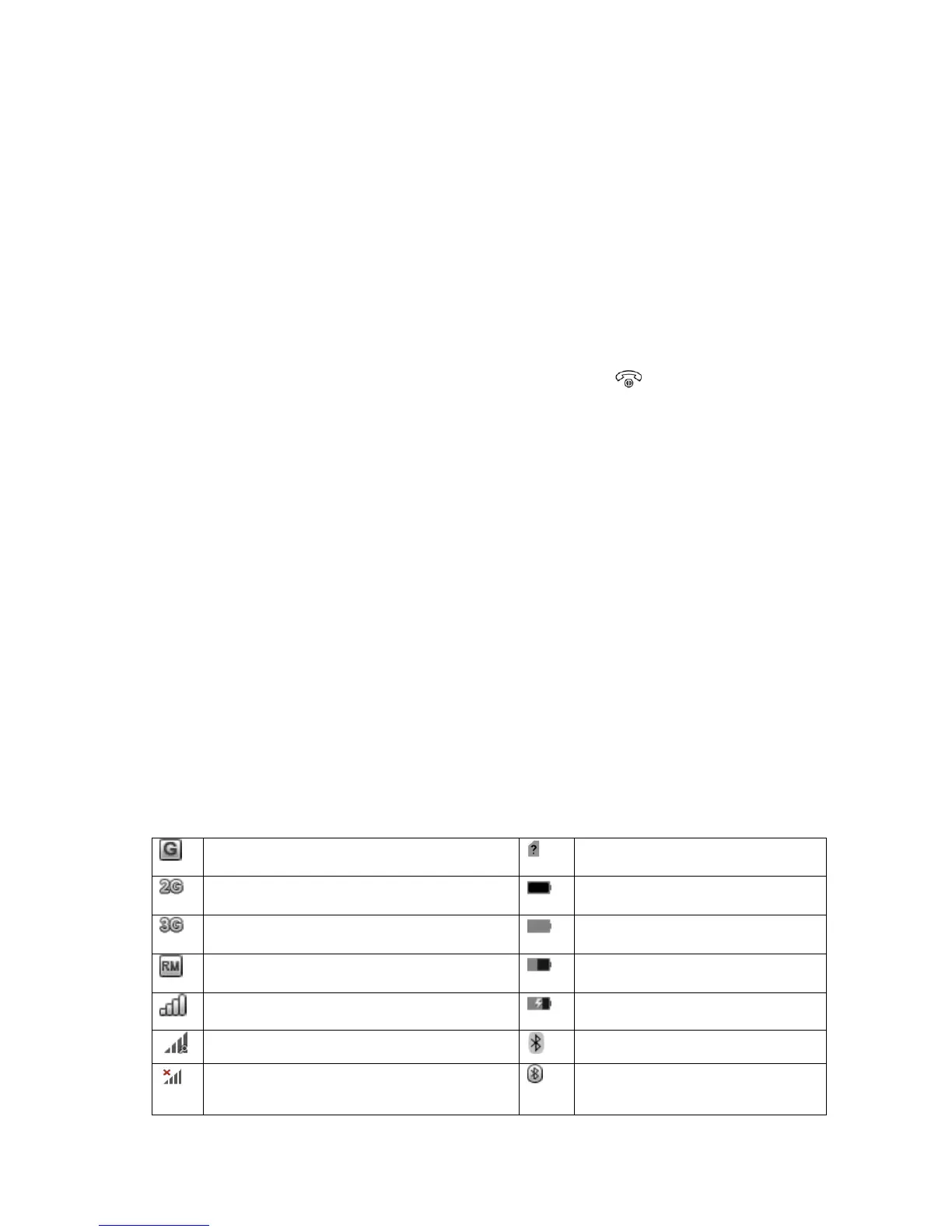
Status Icons
Connected to GPRS mobile network
Connected to a 2G network
Connected to a 3G network
Mobile network signal strength
Searching for a network signal
Connected to Bluetooth
device



 To Next Page