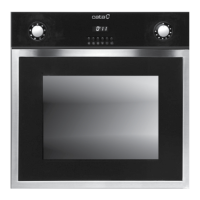
HOW TO USE
• Stay on: For the oven to be used in the “
“. the food
may catch fi re if the cooking time is set too long. Close
supervision is necessary during toasting and the time
should not be set too long.
NOTE: For cooking times which are under sixty minutes, fi rst
set to a longer time and then turn
the switch back to the time you require.
• To set functions by turning the function knob to desired level.
The oven will automatically start cooking after function, time
and temperature are set.
• To set the time of cooking by turning the timer knob to
desired time per your food cooking guide. After the cooking
time is up, the unit will “ Dong” to stop.
• To set the temperature by turning the temperature knob.
If the unit is not in use, always set the knobs to “0”.
PRODUCT DESCRIPTION
Kindly reminder: To open the oven door, always use one hand to
hold the handle in the centre and do ot touching the child lock stud.
PRODUCT DESCRIPTION
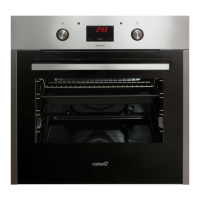
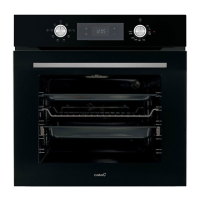
K1
K2
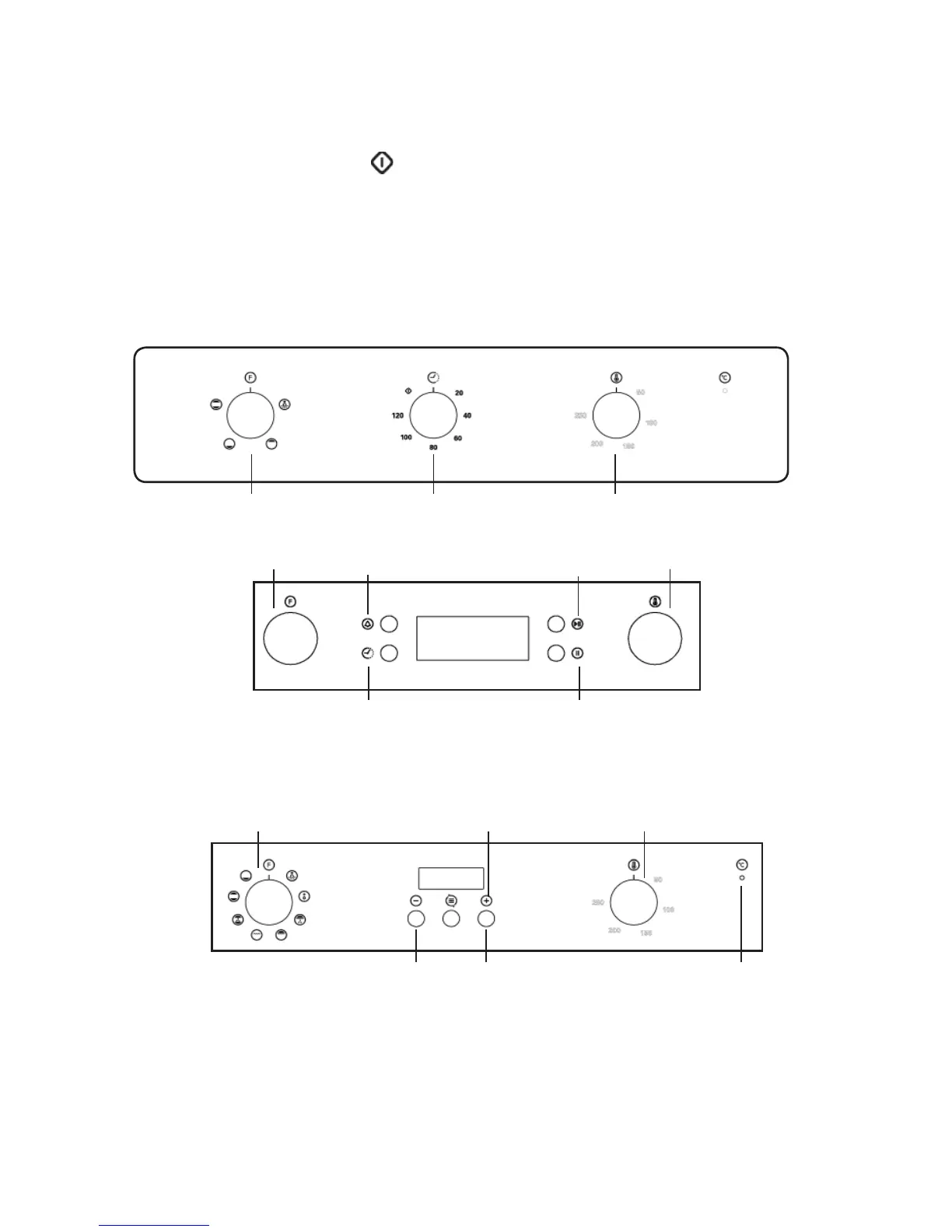
Remind button
Start button
Stop buttonTime button
Function Control Knob
Thermostat Control Knob
Increase Button
Mode Button Thermostat IndicatorDecease Button
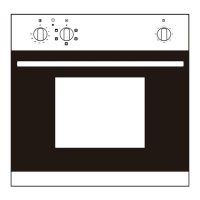
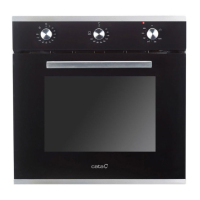
Function Knob Timer knob Temperature Knob
PRODUCT DESCRIPTION



 To Next Page