15
l
l
l
l
l
l
l
l
88 8 0
80 8 0
80 8 0
l
l
l
l
l
l
l
l
l
l
88 8 0
80 8 0
80 8 0
l
l
HASZNÁLAT
Ezzel bekapcsoltuk az „AUTO” funkciót; a
sütő a beállított leállási idő és a beállított
működési idő különbsége szerinti időpont-
ban bekapcsolt (pl., ha a működési idő 1
óra és a leállási idő 14:00 óra, akkor a sütő
automatikusan 13:00 órakor kapcsol be).
Amikor a sütő eléri a leállási időt, automati-
kusan kikapcsol, a riasztó aktiválódik, és az
„AUTO” funkció újból villogni kezd.
• Állítsuk a sütő funkciógombját és a
hőszabályozó gombot a kikapcsolt ál-
lásba.
• Nyomjuk a MENU, a < és > érzékelőket
a riasztó kikapcsolásához; az „AUTO”
funkció kikapcsol, és a kijelzőn a pon-
tos idő jelenik meg.
43
OPERATION
Change the timer beeps
The tone of the timer beeps may be
changed as follows:
lpress sensors < and > simultaneously,
lselect “tone” function with the
MENU sen-
sor, the display panel will start to blink:
● with the > sensor press the appropriate
sensors from 1 to 3 to select the option you
wish.
The function AUTO is now on; the oven will
start operating from the point when the dier-
ence between the set operation end time and
the operation duration time occurs (e.g. the
operation time is set to 1 hour, the operation
end time is set to 14.00, so the oven will start
working automatically at 13.00).
When the oven reaches the operation end
time it will switch o automatically, the alarm
will be activated and the function AUTO will
start ashing again.
lSet the oven function knob and the tem-
perature regulator knob to the switched–o
position.
lPress sensor
MENU, < and > in order to
switch o the alarm; the function AUTO will go
out and the display will show the current time.
Cancel settings
Timer and automatic function settings may
be cancelled at any time.
Cancel automatic function settings:
lpress sensors < and > simultaneously,
Cancel timer settings:
lpress sensor
MENU to select timer set-
tings,
lpress sensors < and > again,
88 81
12 35
Beállítások törlése
Az időzítő és az automata funkció beállítá-
sokat bármikor törölni lehet.
Automata funkció beállítások törlése:
• érintsük egyszerre a < és > érzékelőket,
Időzítő beállítások törlése:
• nyomjuk meg a MENU érzékelőt az időzí-
tő beállítások kiválasztásához,
• érintsük újra a < és > érzékelőket,
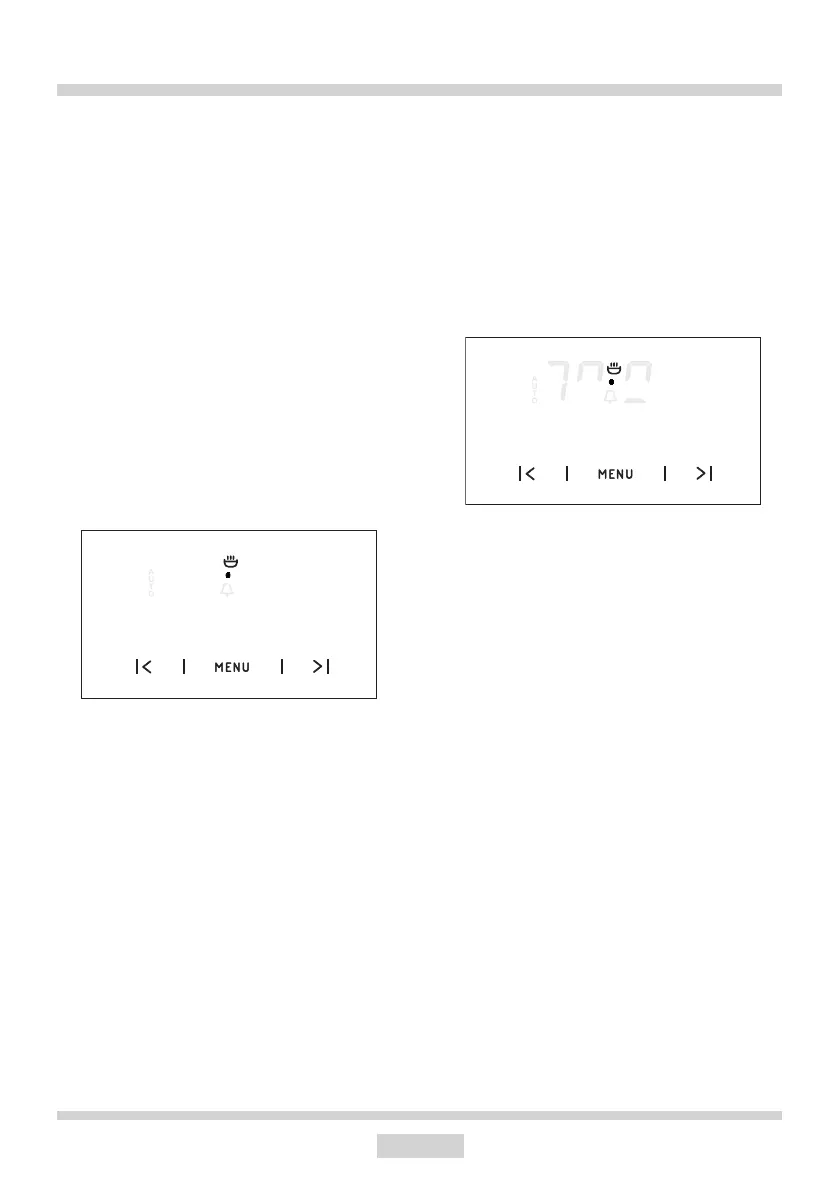
Időzítő síphangjainak módosítása
Az időzítő síphangjai az alábbiak szerint
módosíthatók:
• érintsük egyszerre a < és > érzékelőket,
• válasszuk a „hang” (tone) funkciót a
MENU érzékelővel; a kijelző elkezd vil-
logni:
43
OPERATION
Change the timer beeps
The tone of the timer beeps may be
changed as follows:
lpress sensors < and > simultaneously,
lselect “tone” function with the
MENU sen-
sor, the display panel will start to blink:
● with the > sensor press the appropriate
sensors from 1 to 3 to select the option you
wish.
The function AUTO is now on; the oven will
start operating from the point when the dier-
ence between the set operation end time and
the operation duration time occurs (e.g. the
operation time is set to 1 hour, the operation
end time is set to 14.00, so the oven will start
working automatically at 13.00).
When the oven reaches the operation end
time it will switch o automatically, the alarm
will be activated and the function AUTO will
start ashing again.
lSet the oven function knob and the tem-
perature regulator knob to the switched–o
position.
lPress sensor
MENU, < and > in order to
switch o the alarm; the function AUTO will go
out and the display will show the current time.
Cancel settings
Timer and automatic function settings may
be cancelled at any time.
Cancel automatic function settings:
lpress sensors < and > simultaneously,
Cancel timer settings:
lpress sensor
MENU to select timer set-
tings,
lpress sensors < and > again,
88 81
• a > érzékelő megnyomásával válasz-
szuk ki 1-től 3-ig a kívánt opciót.


 To Next Page
 Loading...