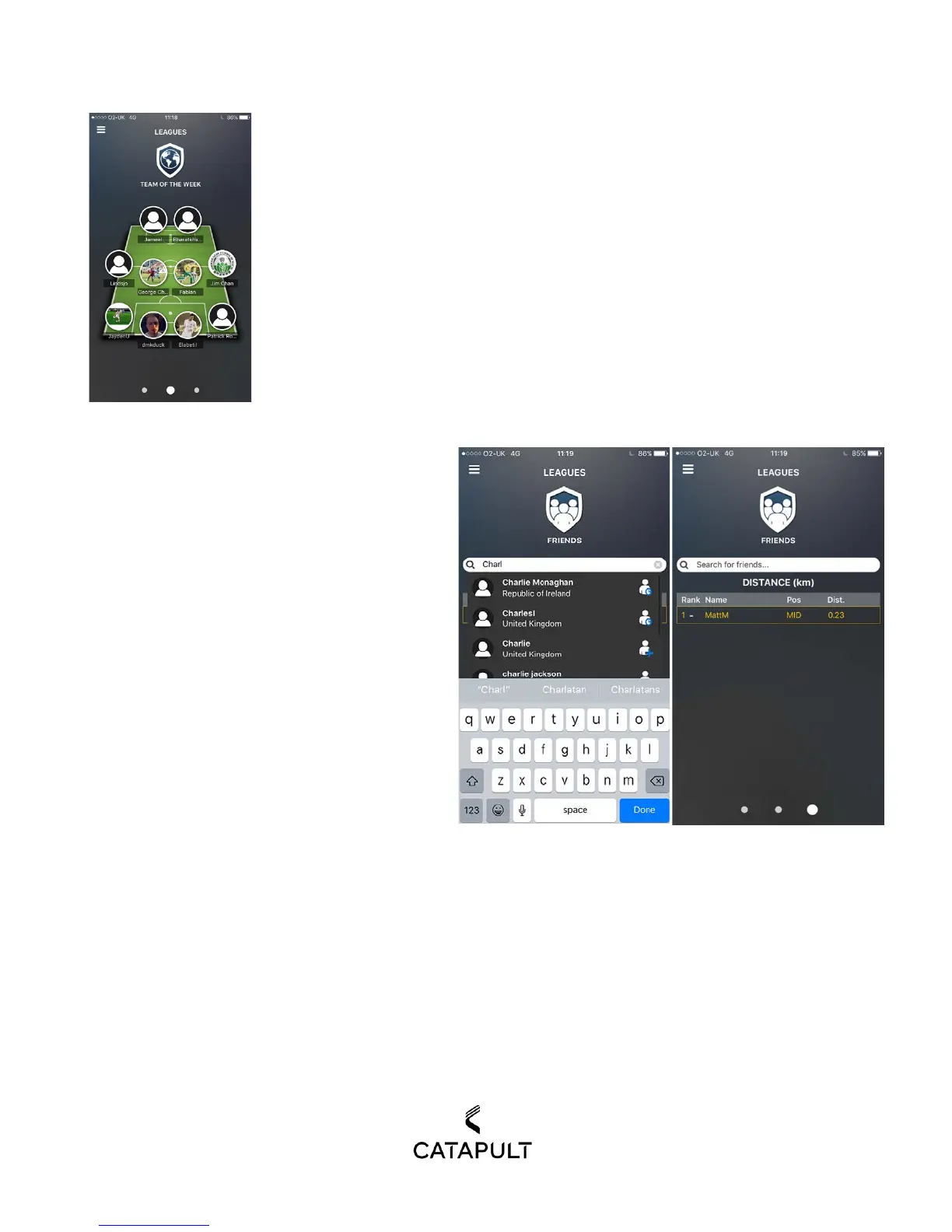
TEAM OF THE WEEK
Swipe right to view Team of the Week. Team of the Week is composed of the Top
performing players who use PLAYERTEK based on the number of sprints from that
week.
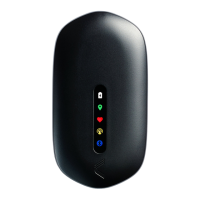
FRIENDS
Swipe right once more to view your Friends
League. You can add a friend by searching your
friend’s name and pressing on the profile icon
with the plus. Once your friend has confirmed,
you will be able to rank your performance against
theirs. You can measure total sprints and total
distance from all your sessions combined, along
with your top speed across all sessions. To change
the metric that you want to compare against your
friends, simply tap on the middle of the session.


 To Next Page