5. SYNCING YOUR SESSION
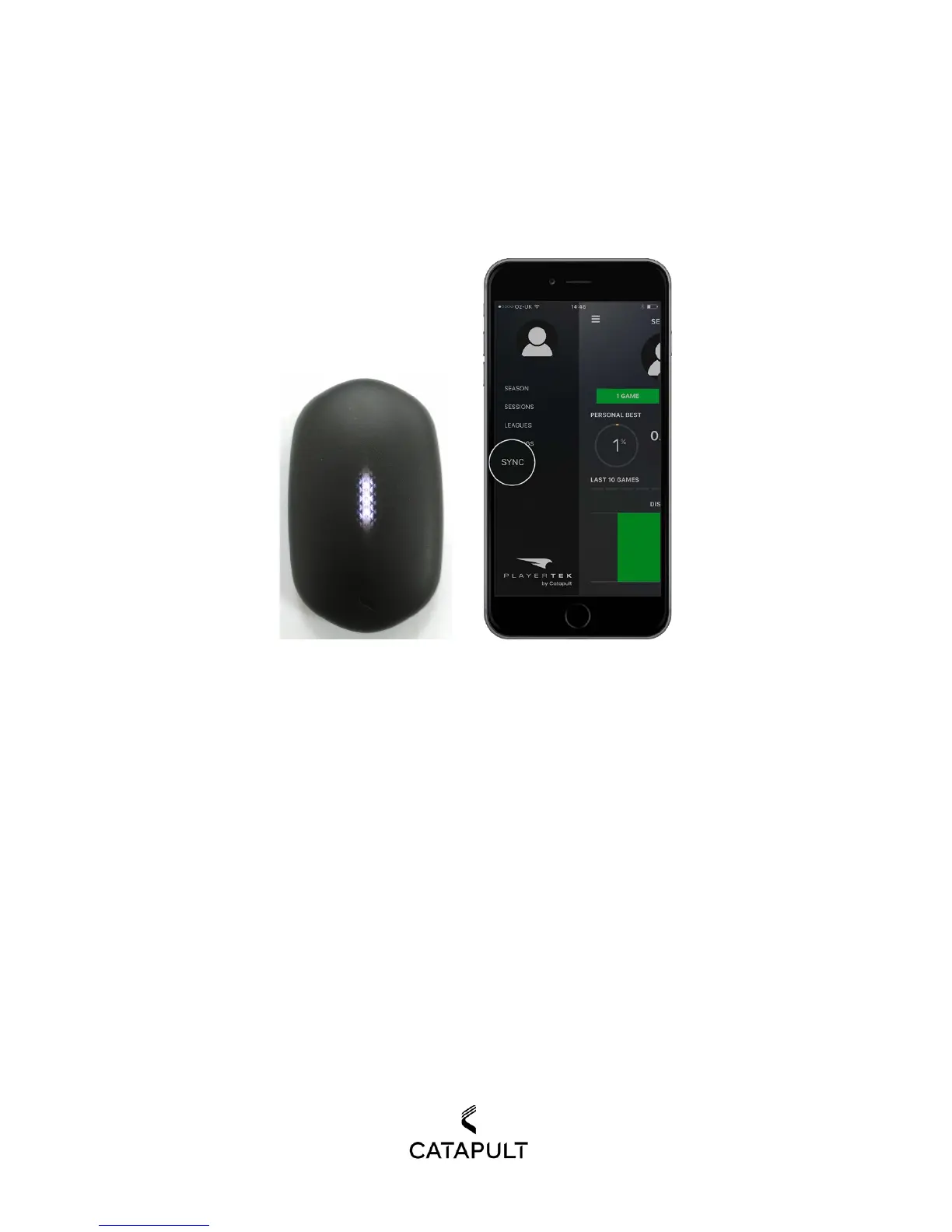
1) When you are ready to sync, just make sure your pod has enough battery capacity. To complete the
sync, open your PLAYERTEK app and choose sync in the bottom of left menu.
2) Once in sync, the app will automatically begin searching for the pod. A page says “one New Session
Found” will then appear. Hit the blue sync button again when you see this and wait for the session to
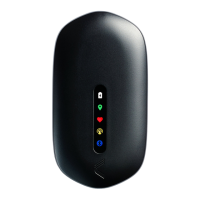
upload. You can see 3 LEDs in the middle of display bar of the pod in breathe pattern when the BLE
connecting succeeds.


 To Next Page