13 VECTOR USER GUIDE
VECTOR
STEP 1
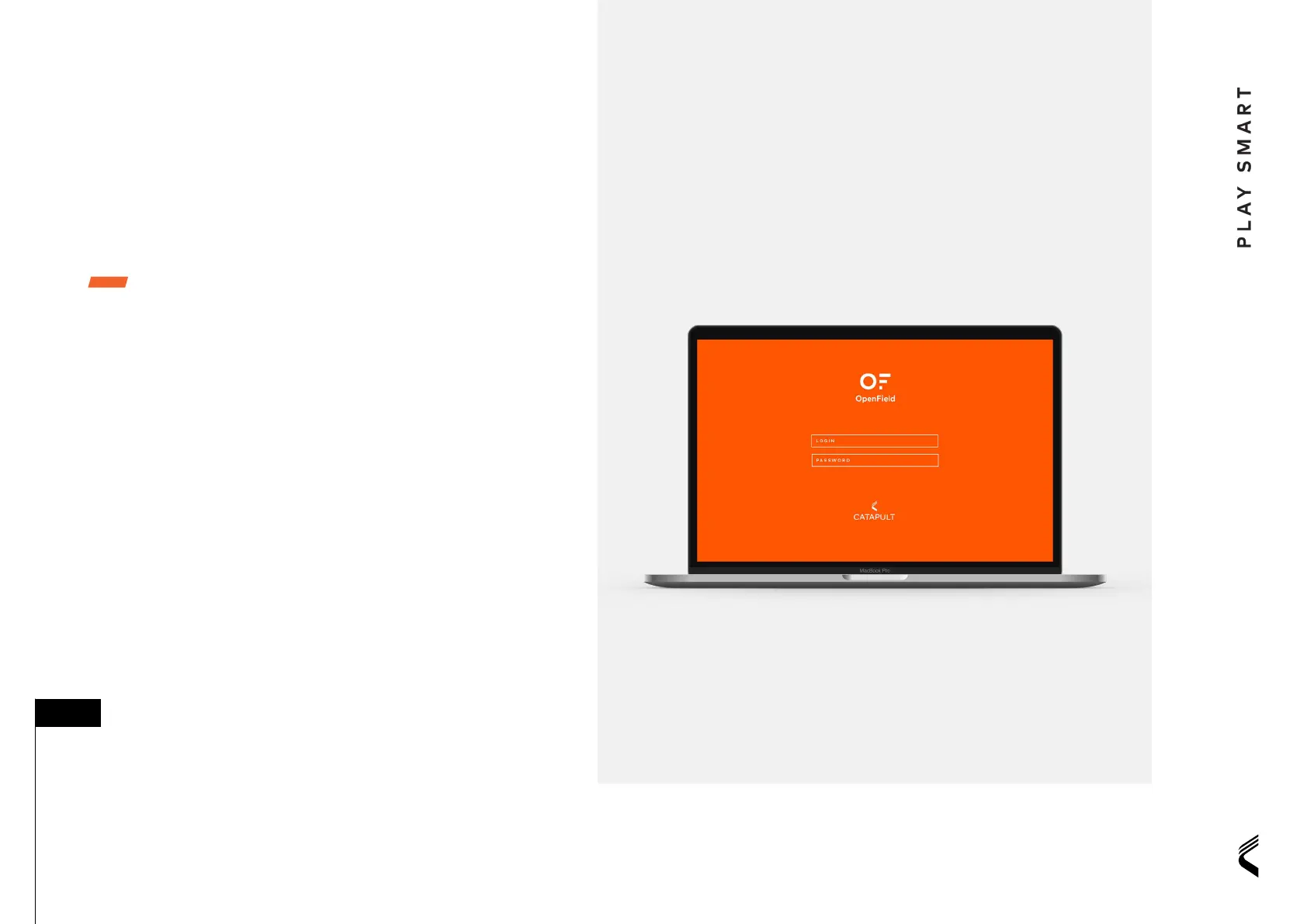
Installing OpenField / OpenField Start-Up Wizard
1. Upon creation of an OpenField account, you
will receive a welcome email with a link to the
Openield Setup Wizard. This will guide you
through the initial steps to set up an
OpenField account
2. Once initial setup is complete the OpenField
desktop software will auto download. Run this
installer and follow the setup wizard to complete
the install
3. Open the OpenField desktop software and enter
your password. OpenField will perform an initial
synchronisation with OpenField cloud, and once
complete you are ready to begin using Vector
OpenField comes with recommended settings
relevant to the chosen sport. To customize
visit the ‘settings’ section of OpenField cloud.
Make sure to use the ‘fast sync’ function in the
OpenField console after customizing settings.
For more information please visit the
cloud help section.
■ TIP:
INSTALLATION
& SETUP


 To Next Page