18 VECTOR USER GUIDE
VECTOR MOBILE
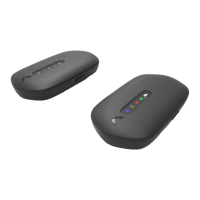
VECTOR
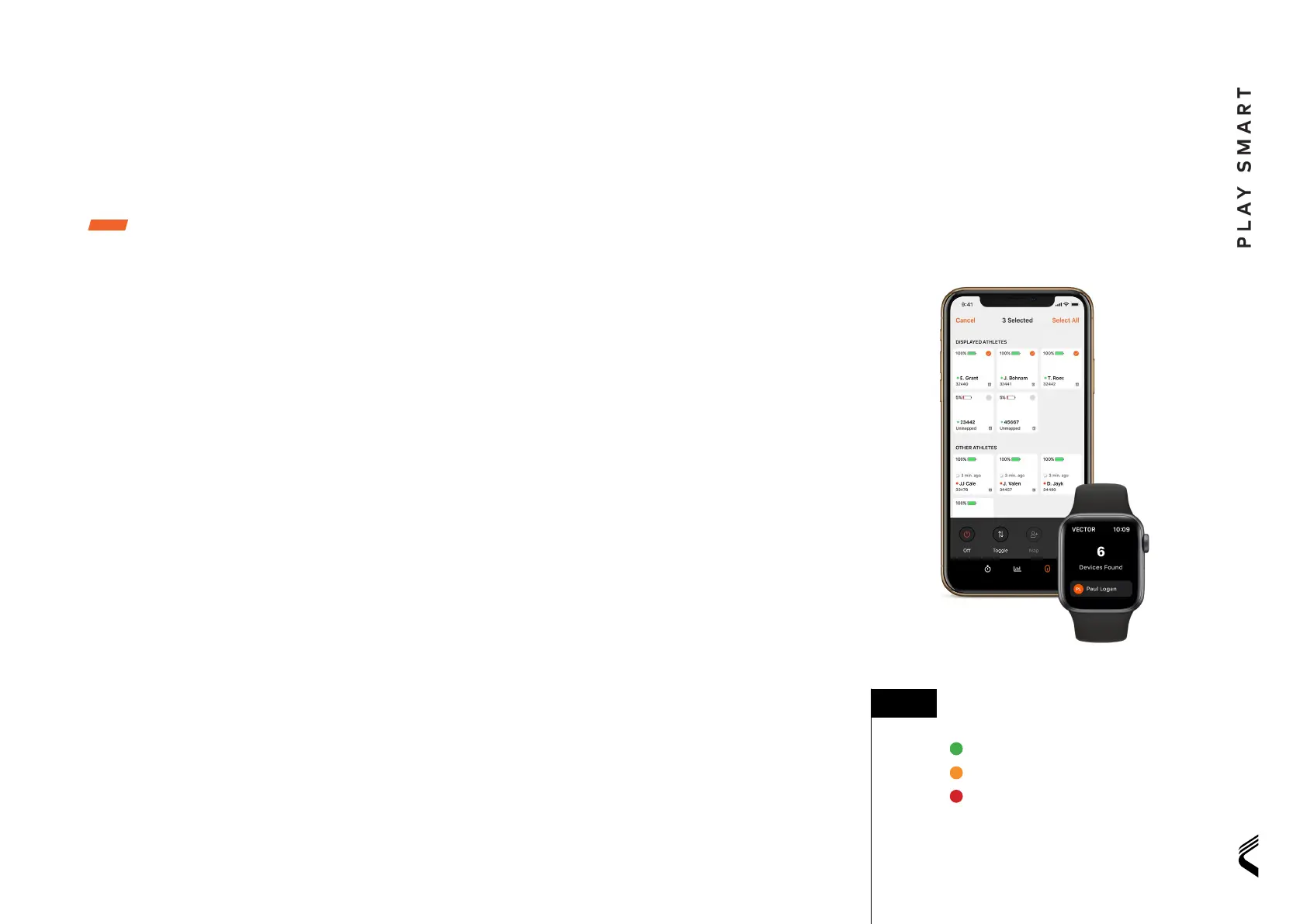
Vector Smartphone app
This app uses bluetooth to capture data and is
optimized for tracking small groups at short range.
The Vector smartphone app is available now for iOS
and Android.
FUNCTIONS
• Map athletes and select parameter bands
• Set live targets for key parameters
• View group and individual athlete data
• Create and manage activities and periods
• Sync activity data to OpenField
• Turn off Vector Devices
GET STARTED
• Download Catapult Vector app for iOS or Android
• Ensure Bluetooth is enabled on the Vector devices,
Bluetooth icon will lash on device
• Login to Vector App with OpenField credentials
• In app, search and connect to available devices
• Start Activity with selected number of devices
• View group or individual athlete data in the
app data tab
Vector Smartwatch app
This is a companion to the Vector Smartphone app.
It uses bluetooth technology and has been optimised
for single athlete use.
FUNCTIONS
• View single athlete live data from watch face
• Turn off Vector device
GETTING STARTED
• Ensure Smartphone app is downloaded to
your iOS device
• Ensure bluetooth is enabled on Vector Devices
• Log in to the Vector Smartphone app using your
OpenField credentials before opening the Vector
watch app. The Vector watch app syncs and shares
settings with the Vector Smartphone application.
• On the watch app home screen press ‘ind
devices’ and select the correct player name or
device ID
• Once connected swipe left or right on the watch
face to change parameter
The Vector Mobile suite of apps share a common
device connectivity notiication system.
■ TIP:
Currently visible to the app.
Device has not been seen for > 30 seconds
Device has not been seen for > 60 seconds.


 To Next Page
 Loading...