17 VECTOR USER GUIDE
VECTOR IPAD
VECTOR
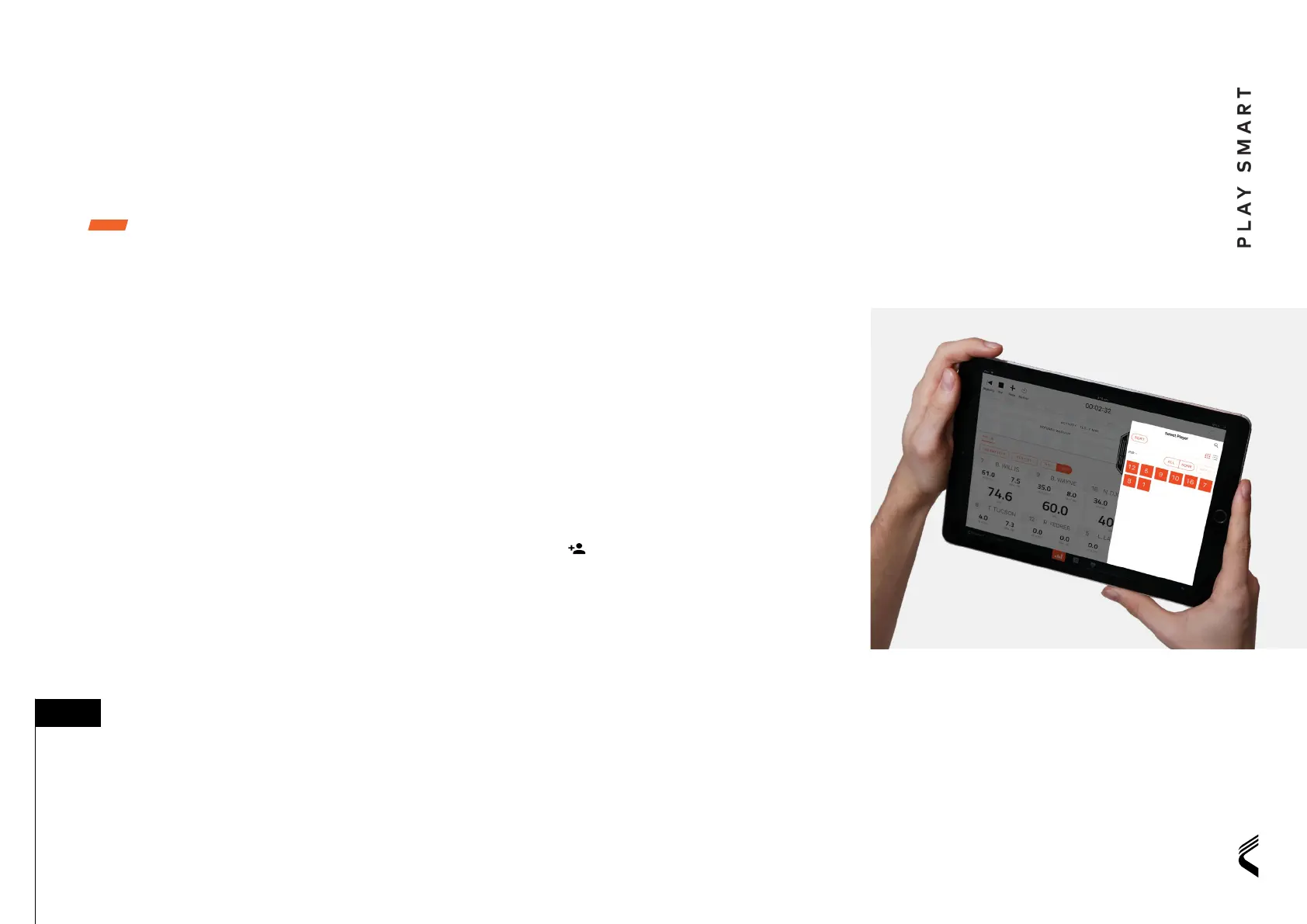
The Vector iPad app enables live athlete data to
be streamed directly to iPad (iOS 12.1 or higher),
using a Vector Receiver only, and completely
untethered from your OpenField PC.
It also enables the review, export and cloud sync
of activity data, enabling you to go from ield to
report in seconds.
FUNCTIONS
• Create activities
• View and manage athlete data in real time
• Create and manage periods
• Review and export post activity data
• Synchronize activities, periods and data to
OpenField cloud for analysis
• Optimized for outdoor use in a range
of lighting conditions
GET STARTED
• Download the Vector iPad app from the
app store
• Login with OpenField credentials
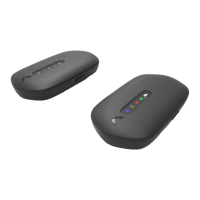
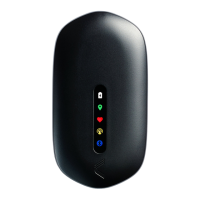
• Turn on Vector Receiver and connect the
iPad via WiFi
• Ensure Vector Devices are in range of the receiver
• Press Start activity
• Name the Activity and press start
• Press the + period button in the control bar to
start recording
• Press the
icon to select athletes to add to
the period
See in app help for full Vector iPad user guide
You can start your Vector iPad activity before
your players hit the ield. Any athletes not
active and displayed before starting the
activity will be added to the active players list
when they are in range.
■ TIP:


 To Next Page
 Loading...