25
OPERATING YOUR BEVERAGE CENTER
It is recommended you install the beverage center in a place where the ambient temperature is
between 19ºC-24ºC (66ºF-75ºF). If the ambient temperature is above or below recommended
temperatures, the performance of the unit may be affected. For example, placing your unit in extreme
cold or hot conditions may cause interior temperatures to fluctuate. The range of 5ºC-18ºC (40ºF-
65ºF) may not be reached.
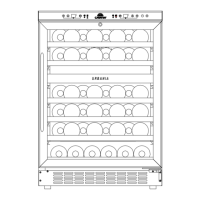
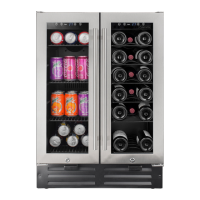
The left side (cellar) can be set between 5-18°C (40-65°F). The right side (beverage center) can be set
between 4-13°C (39-55°F)
Recommended temperature settings
Wine conservation: 12°C-14ºC (53°F-57ºF)
Rose and sparkling wines: 5°C-8ºC (40°F-46ºF)
Dry/white wines: 9°C-12ºC (48°F-53ºF)
Red wines: 15°C-18ºC (58°F-65ºF)
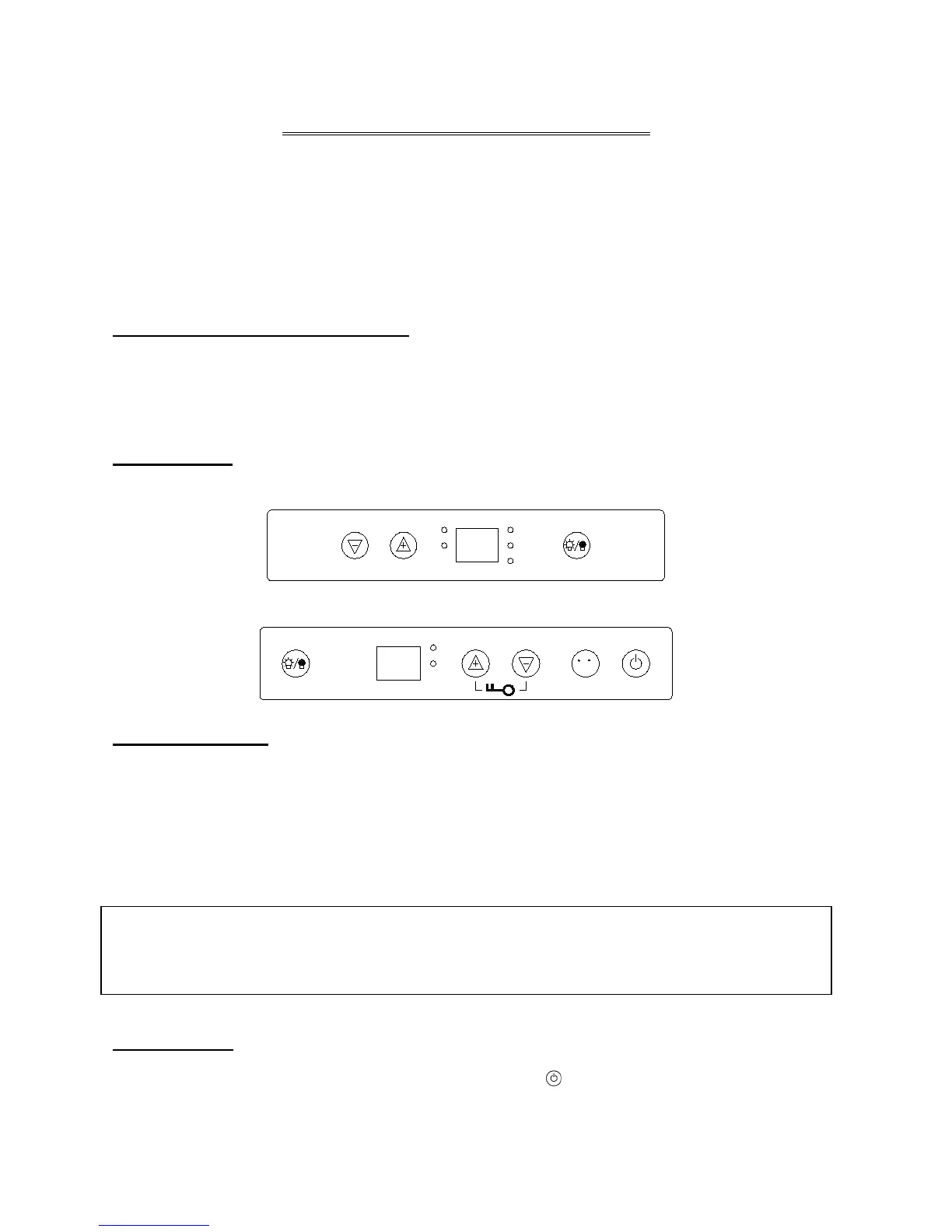
Control panels
Wine cellar control panel (Left Side)
Beverage center control panel (Right Side)
Control Panel Lock
• Your appliance is equipped with an automatic Control panel lock function. This function will
prevent any unwanted changes to your temperature or power settings.
• The lock function will activate automatically 12 seconds after the last time a button is pushed on
the control panel.
• To unlock the control panel lock press and hold the (UP) and the (DOWN) buttons for 3 seconds
the control panel will beep and blink once indicating that the control panel is active and the settings
can be changed.
ON/OFF Power
To turn OFF the cellar, unlock the control panel then press the
button and hold 3 seconds.
You can select temperature display setting from Fahrenheit to Celsius degree by pushing the ºF/ºC
button/mark. Fahrenheit or Celsius degrees indicator will appear in blue color in the temperature
display window for each zone.


 To Next Page