INSTRUCTIONS
Preparations
5
Basic operations
7
Advanced operations
10
Audio/Video files playback
15
USB memory device operations
17
Changing the initial settings
20
Additional information
24
2
Before operation
For Customer Use:
Enter below the Model No. and Serial
No. which are located on the rear,
bottom or side of the cabinet. Retain
this information for future reference.
Model No.
Serial No.
Digital Direct Progressive Scan
DVD, MPEG-4
INX, INX2, Super CD+G
CD+Graphics
Karaoke operations
13
SCDG
DVD/VCD/CD+G WITH KARAOKE
203G USB203G USB
DVD PLAYER

 Need help?
 General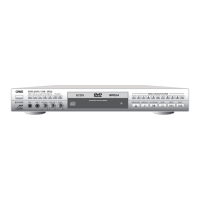

 To Next Page