EasyManua.ls Logo

Cayin IDAC-6 - User Manual

Cayin IDAC-6
11 pages
Print Icon
To Next Page IconTo Next Page
Loading...
User Manual

Questions and Answers

  • V
    Vincent WeaverJul 27, 2025
    How to resolve abnormal audio output when USB Audio is used on Cayin IDAC-6?
    • P
      Penny Huff MDJul 27, 2025
      If you experience abnormal audio output when using USB Audio with your Cayin Media Converter, consider these possible solutions: * Try using a different USB interface. * Optimize your computer for audio playback by reducing the number of concurrent processes. * Upgrade your computer's hardware to meet the audio processing requirements.
  • K
    Katelyn MooreAug 7, 2025
    Why is there no sound from my Cayin IDAC-6 Media Converter headphone after powering it on?
    • R
      Robert MoodyAug 7, 2025
      If there's no sound from your headphones after powering on your Cayin Media Converter, there might be several reasons. First, ensure the power cable is correctly connected to a functioning power outlet. Second, check the main fuse; if it's blown, replace it with one of the same specifications. Also, confirm you've selected the correct source on the front panel and that the source equipment is working. Lastly, verify the audio cable is properly connected.
  • E
    Edward TurnerAug 16, 2025
    What to do if my computer cannot recognise the Cayin IDAC-6 Media Converter device?
    • B
      Brittany ConnerAug 16, 2025
      If your computer doesn't recognize the Cayin Media Converter, the issue could stem from a few things. Try replacing the USB cable with a standard USB 2.0 cable. Another reason may be that the USB driver wasn't installed correctly, so reinstall it. Finally, try restarting your computer.

Summary

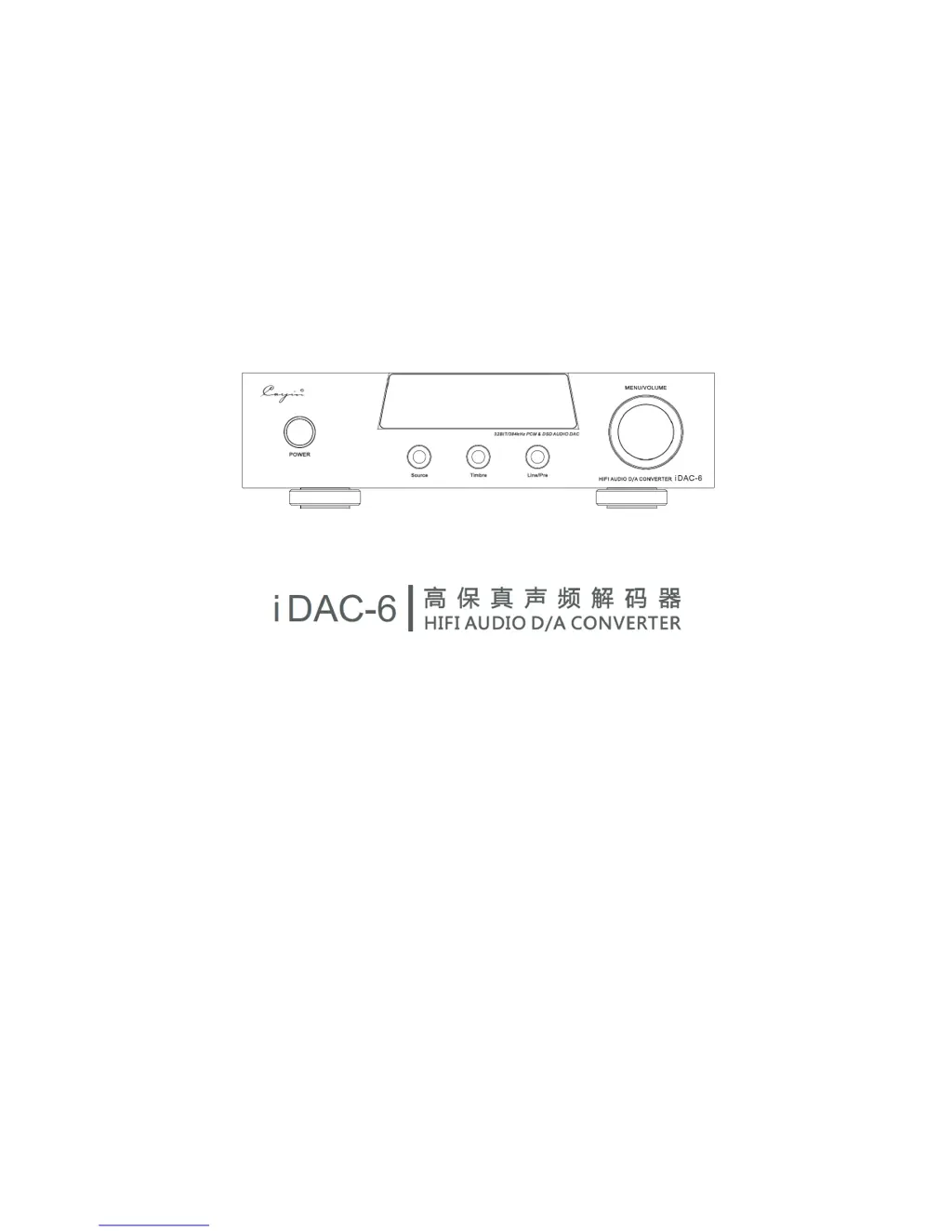
Front Panel Operations

POWER On;Off

Instructions for powering the device on and off.

Timbre Output Selection

Options for selecting the output timbre (Transistor or Vacuum Tube).

Rear Panel Connectivity

AC Voltage Selector

Information on selecting the correct AC voltage.

Preparation and Setup

Install USB Driver

Instructions for installing the necessary USB driver for computer connection.

Basic Operation

Source Selection

How to select and switch between different input sources.

USB Decoding

Steps for using the DAC with a computer via USB connection.

Safety Precautions

Trouble Shooting

Cayin IDAC-6 Specifications

General IconGeneral
Digital InputsUSB, Coaxial, Optical
Analog OutputsRCA, XLR
Dynamic Range120dB
Signal-to-Noise Ratio120dB
Supported FormatsPCM, DSD
Power Consumption15W
USB InputUSB Type B
THD+N<0.0015% (1kHz)
Total Harmonic Distortion< 0.0015%
USB DecodingPCM up to 32-bit/384kHz, DSD up to DSD256
Coaxial/Optical DecodingPCM up to 24-bit/192kHz
Frequency Response20Hz - 20kHz

Related product manuals