
 Need help?
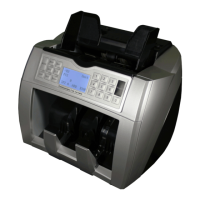
Do you have a question about the CCE 340 Multi and is the answer not in the manual?
Download, unpack software, and install compatible cable drivers for the update process.
Connect the CCE 340 to a wall socket and via the update cable to your computer.
Update the 3D Master Board by loading the specific file and initiating the update process.
Update the currency file by selecting the correct file and starting the mainboard update.
Compare file sizes in the update program to verify successful software installation.
Restart the device using the 'RESTART' button if an 'Internal Memory Fault' message appears.
Activate or deactivate currencies using MODE and CUR buttons, then save the default currency.
 General
| Brand | CCE |
|---|---|
| Model | 340 Multi |
| Category | Cash Counters & Coin Sorters |
| Language | English |

 To Next Page