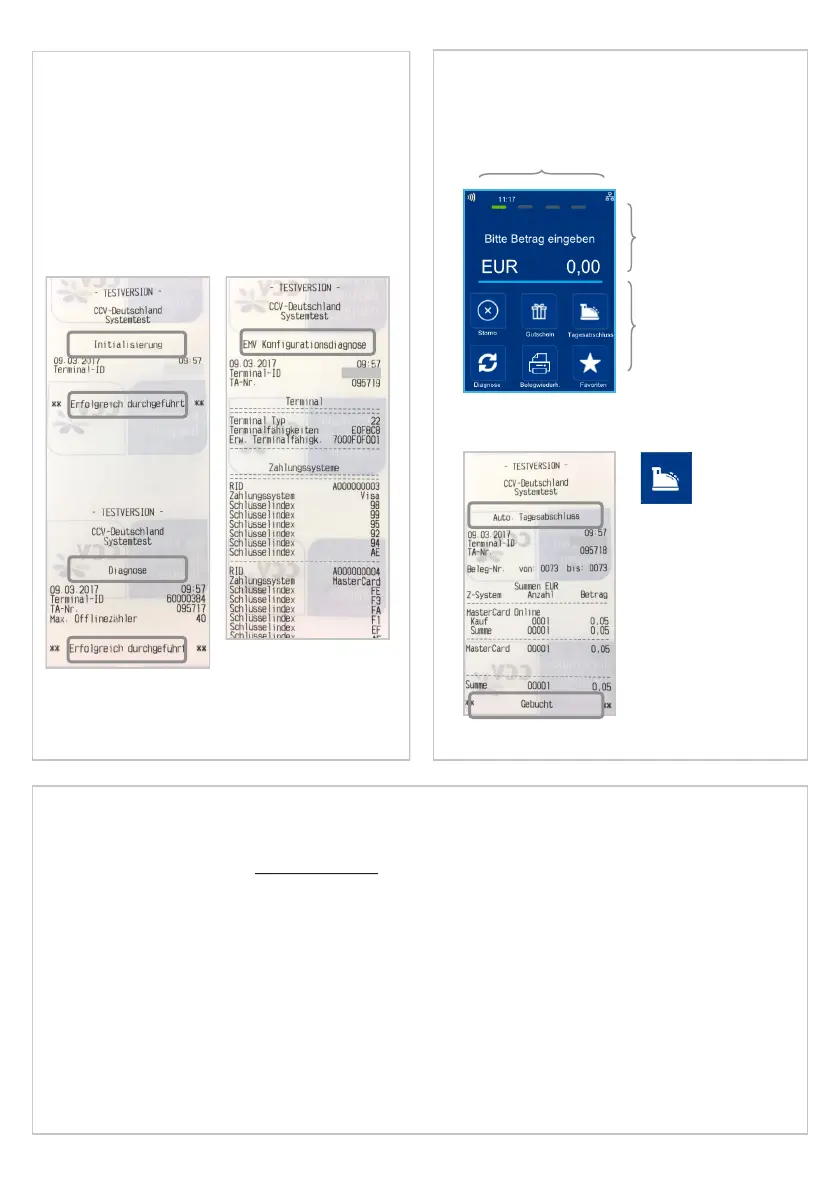
10. Inialisaon
Please proof your receipts for a successful inialisaon,
diagnosis and EMV diagnosis. Aer that the terminal is
ready to use.
If neccessary you can start the inialisaon directly with
a sokey buon or via the menu.
11. Inial state
Status bar (concactless reader ready, me
and communicaon informaon)
Enter amount
(example: enter
5000 for 50,00 €)
Sokeys
Rec. with
closure
Bluetooth Pairing
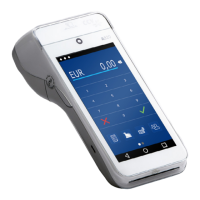
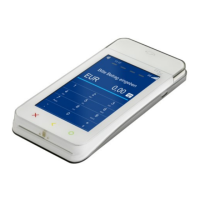
Your CCV Fly Next supports Bluetooth 4.0 (PAN prole). You can connect your terminal with a smartphone/ tablet.
Use Bluetooth for cash register communicaon (ZVT or O.P.I. protocol) and host communcaon to your payment
provider. Please take care that Blutooth tethering on your smartphone is always on. To be sure you can use the
android API or a 3rd party watchdog app.
Bluetooth startup (see chapter startup):
1. CCV Fly Next: Turn on, select language, enter Terminal-ID and select PU communicaon target.
2. Smartphone: acvate Bluetooth and Bluetooth-Tethering.
3. CCV Fly Next: select communicaon „Bluetooth“.
4. CCV Fly Next: select target smartphone/ tablet.
5. Smartphone: conrm pairing code.
6. CCV Fly Next: conrm pairing code.
Page 26


 To Next Page