MENÜ
PIN
MENU
select select
CORR
OK OK
OK
OK
OK
21
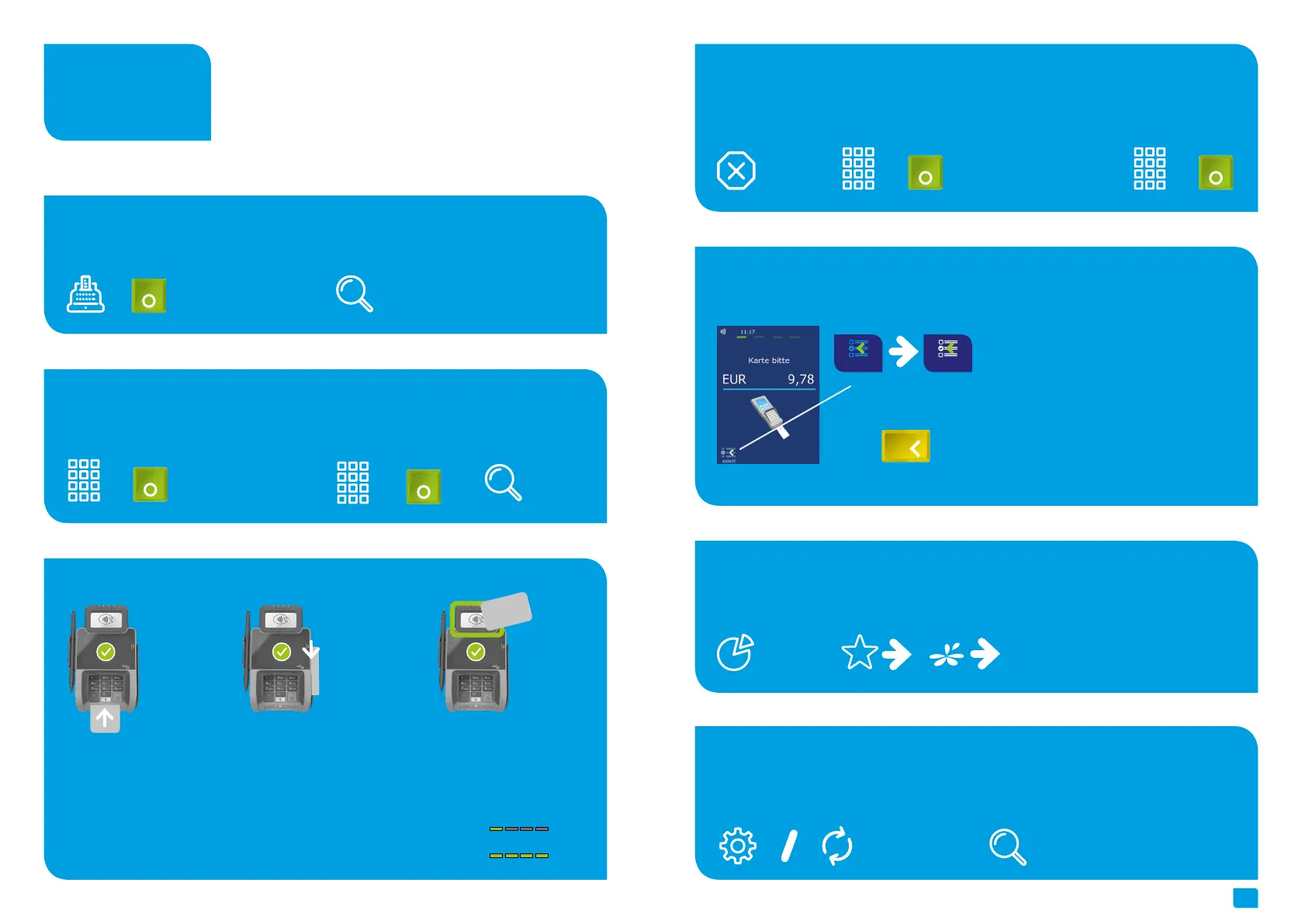
Cancellation
Transaction information
Initialization/ Diagnosis
Select transaction type (optional)
1. Softkey Reversal
Softkey intermediate
revenue
1. Softkey initialization or diagnosis
4. Enter PIN2. Enter transaction
number
2. Check your receipt
Information / Transaction
If enabled you can choose your payment
application.
3. Card please … (chip
card, magnetic stripe or
contactless)
+ +
(see card reader p. 8)
+
+
+
Reconsiliation with closure
Payment
Card reader
1. Softkey reconsiliation with closure
1. Enter amount 4. Proof your receipt2.Card please … (chip
card, magnetic stripe or
contactless)
3. Enter PIN
2. Proof your receipt
Smart card
(Chip upside)
Magnetic stripe
(draw quickly and magne
-
tic stripe downsides)
Contactless card
Tap to contactless area
Distance less than 4 cm
Please watch status LED (4
green LEDs = successful
1 LED > ready
4 LEDs > successful
Handling
Or via menu



 To Next Page