4
FINE
The Coffee Machine
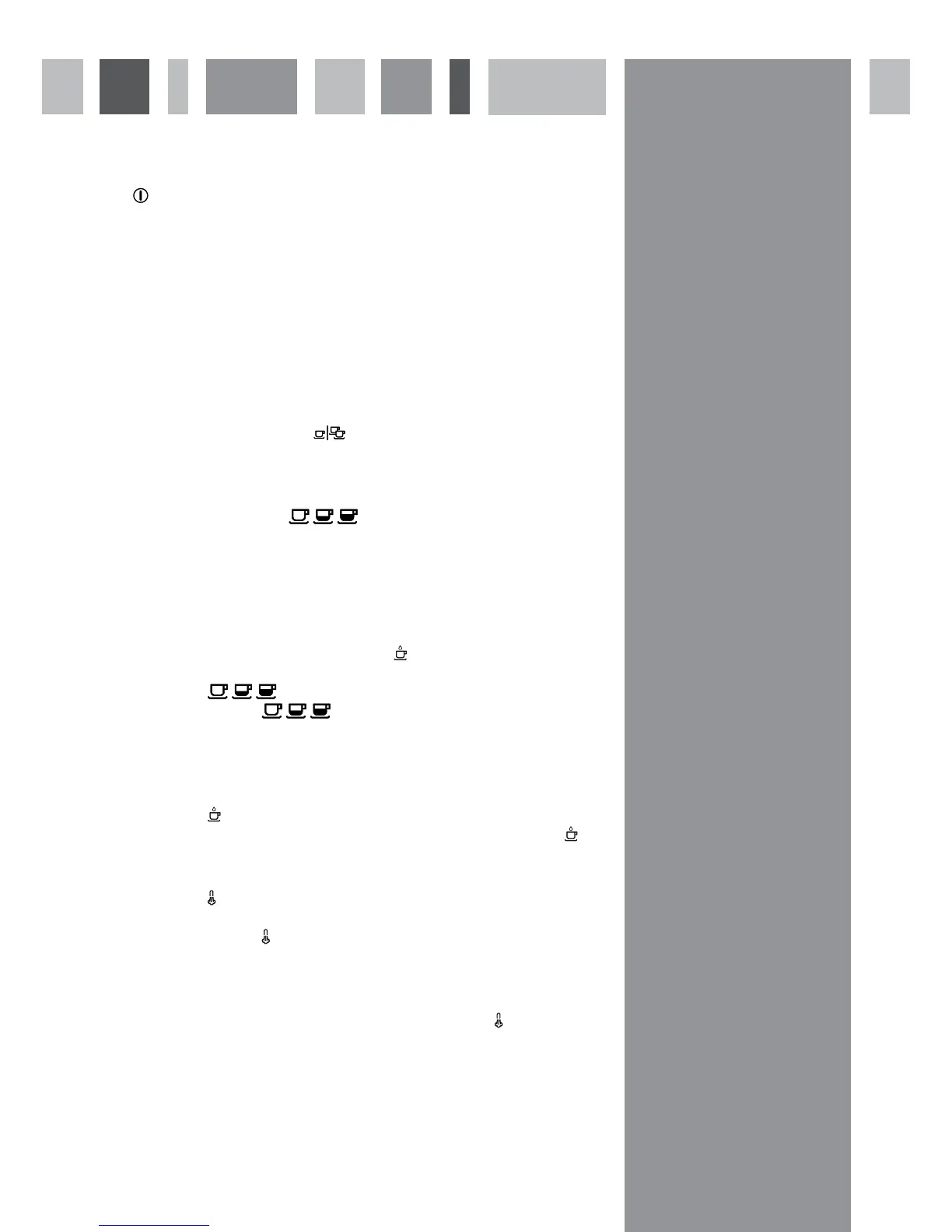
Press to switch on the coffee machine
After a few seconds, GOOD MORNING or GOOD AFTERNOON will show on the display.
The machine will heat up, and COFFEE and STEAM will flash on the display. Once the machine is ready for use, COFFEE and
STEAM will illuminate constantly, as will the size and number of the coffees last selected (for example 1 SHORT). If COFFEE
continues to flash, add coffee beans to the container. If STEAM continues to flash (non-mains plumbed coffee machines only)
add water to the water tank.
Making espresso coffee
1. Select the number of coffee cups
The coffee machine can prepare one or two cups of coffee simultaneously.
To select the number required, press
.
2. Select the coffee size
The coffee machine is equipped with three preset coffee size.
To select the size required, press
to select from the following options:
SHORT - 52ml
NORMAL - 67ml
LONG - 145ml
It is possible to programme into the memory the amount of coffee dispensed for each of the sizes of coffee cup. To do so follow
the steps below.
1. When the coffee is being made, press
until the required amount has been dispensed.
2. The display will show MEMO?
3. Press
to select the size that is to be set.
4. Press and hold
to confirm the setting. Wait for the coffee machine to beep twice and the display to stop
flashing before releasing the button.
3. Make the coffee
1. Place the cup or cups under the dispenser spout.
2. Press
to start dispensing. The coffee machine will dispense the selected amount of coffee. To stop the coffee
machine dispensing before the end of the preset programme, press
again.
Dispensing steam
1. Press
to select steam and wait for STEAM to stop flashing on the display.
2. Place the cup or container under the steam nozzle.
3. Press and hold
to dispense the steam. Release the button when sufficient steam has been dispensed.
Please note:
Ensure that the spout is placed in a cup or container before pressing
, as hot steam can cause scalding.
Always use the handle to move the water spout.


 To Next Page
 Loading...