6 OPERATION AND USE
SWITCH-ON
Switch the machine on using the key
After a few seconds, the following message appears on the display
panel:
Welcome message
During the heating phase, the words COFFEE and WATER fl ash.
The machine is ready for use only when they have stopped
fl ashing.
The display also shows the type of coffee selected (short/medium/
long) as well as the choice of making one or two coffees at the
same time.
PROGRAMMING THE MACHINE
Various functions can be adjusted and programmed, as indicated
below:
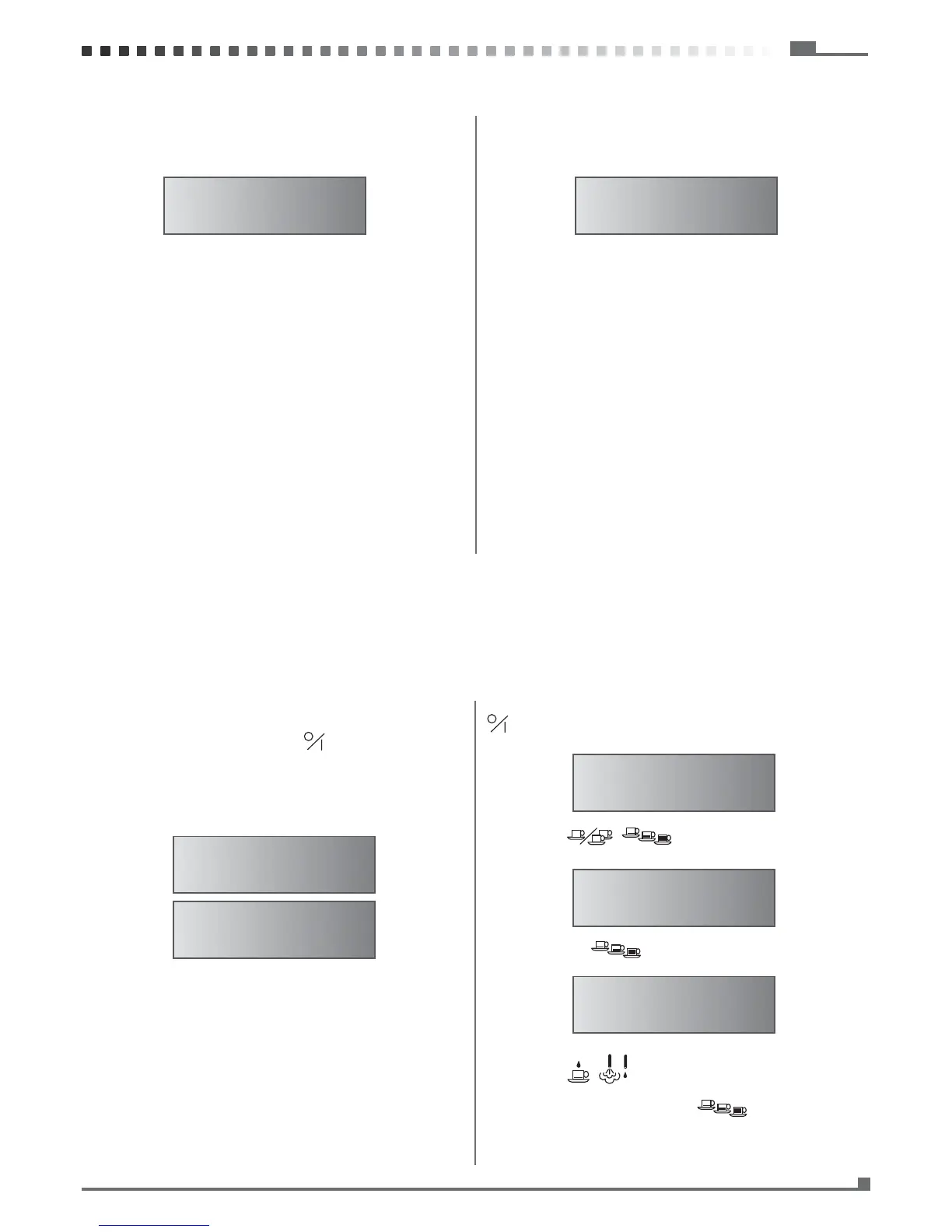
To enter programming mode, with the machine off press the key
for 3 seconds until the display panel shows:
Use the keys
to select the functions to be pro-
grammed, which are, in order of appearance:
Pressing the key
the display panel shows:
Use the keys
to set the hour. Initially the two digits re-
lated to the hour fl ash.
After setting the hour, press the key
The two digits related to the minutes fl ash. Set the minutes by
COFFEE 1 SHORT
WATER
HELLO
PROGRAMMING
CLOCK
20:30
5 ADDING WATER AND COFFEE BEANS IN THE RESPECTIVE CONTAINERS
FILLING THE WATER TANK
The water tank needs to be refi lled when the display shows:
To ensure the best result in making espresso, in addition to using
good quality coffee, it is also essential to use good water. We the-
refore recommend emptying the water tank frequently and refi lling
it with fresh water. Avoid leaving the water in the tank for excessi-
vely long periods.
IMPORTANT: Use only cold potable water with hardness less than
7°F.
• Open the machine by raising the drawer handle and pulling ou-
tward.
• Fill the tank up to 4 cm (1 9/16 inches from the top).
• Close the machine.
N.B. When the water tank is almost empty, the message “ WATER
LOW “ will appear on the display panel
Note: The tank can be removed for cleaning.
FILLING THE COFFEE BEAN CONTAINER
The coffee bean container needs to be refi lled when the display shows:
Fill the coffee bean container using only beans for espresso cof-
fee.
Any other substance, including ground coffee, can damage the
coffee grinder.
Do not use beans treated with caramel, sugar, or similar substan-
ces, instant coffee, or any beverage containing sugar. Sugar can
damage the machine.
• Open the machine by raising the drawer handle and pulling ou-
tward.
• Remove the lid of the coffee bean container.
• Fill the container with beans up to 2 cm (3/4 inches) from the
top.
• Put the lid back on the container.
• Close the machine.
COFFEE
WATER LOW
COFFEE LOW
WATER



 To Next Page