SETUP AND PROGRAMMING CHAPTER 3
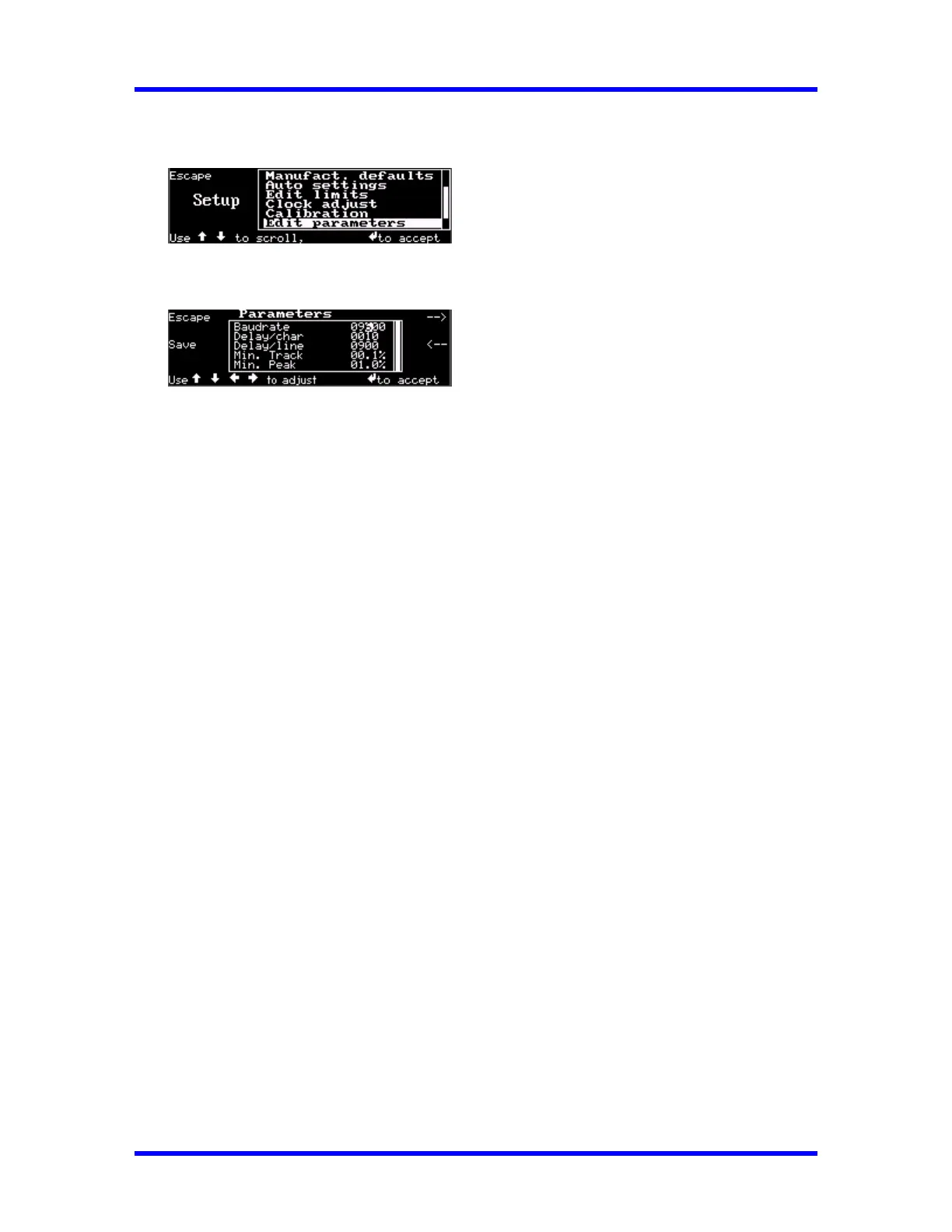
1. Press Setup
2. Scroll Down (↓) to select Edit Parameters
3. Press Enter (↵) the display read:
4. Press --> (F4) and <-- (F5) keys to select parameter to change.
5. Use Left (←) and Right (→) cursors to select digit to change.
6. Use Up (↑) or Down (↓) cursors to increment or decrement digit.
7. Press Enter (↵) to accept changes and return to measurements mode.
3-9



 To Next Page