5. TV card reader’s connections
Mode 1
(1)
Video connection: Video (Yellow)
Audio connection: Stereo Audio-L (white)/Audio-R (red)
(2)
Mode 2
(1)
(2)
Turn on the TV and set up the TV to AV input
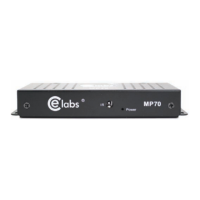
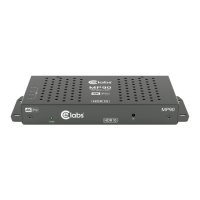
HDMI connection from the media player; HDMI output to the TV’s
HDMI input
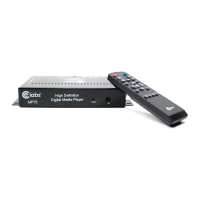
Turn on the media player and set up the TV to HDMI input
(Note: press the remote control’s AV/HDMI button to change mode)
6.
6.1
How to play multimedia files
• Connect to the TV
• Turn on the TV, choose the appropriate TV mode, you will see the main
menu on the TV
• Connect the memory device through the USB2.0, you will see the menus as
shown below after choosing the relevant icon (video, music, picture, or file)
How to play video files
• Press to confirm and choose the memory device, confirm and play.
• and are used to choose different files
• Volume +/volume - for changing the volume, MUTE to disable volume
• Press to change the screen proportion
• Press to fast forward and for backward at speeds of 1x, 2x, 4x, and 8x


 To Next Page